Project Wordy Word
Platform: iOS
Boy! Wordy Word is probably one of the most fun projects I’ve ever worked on. It began as a prototype to simplify my workload as a Social Media Specialist who worked with a lot of social media captions that needed re-casing. As I continued to add more functionality, I quickly realized that there might be others in the same situation as me. I then decided to make it official and began to develop a polished, full-fledged app for the App Store.
The app was developed in three parts. Firstly, in UIKit, as my knowledge of UIKit was very limited at the time. I used this app as a blank canvas to learn and challenge myself to write an app completely with UIKit and MVC design pattern. The second part was written in pure SwiftUI with MVVM design pattern, with the exact same functionality as the UIKit counterpart. The third part is the released version, which uses both SwiftUI and UIKit.
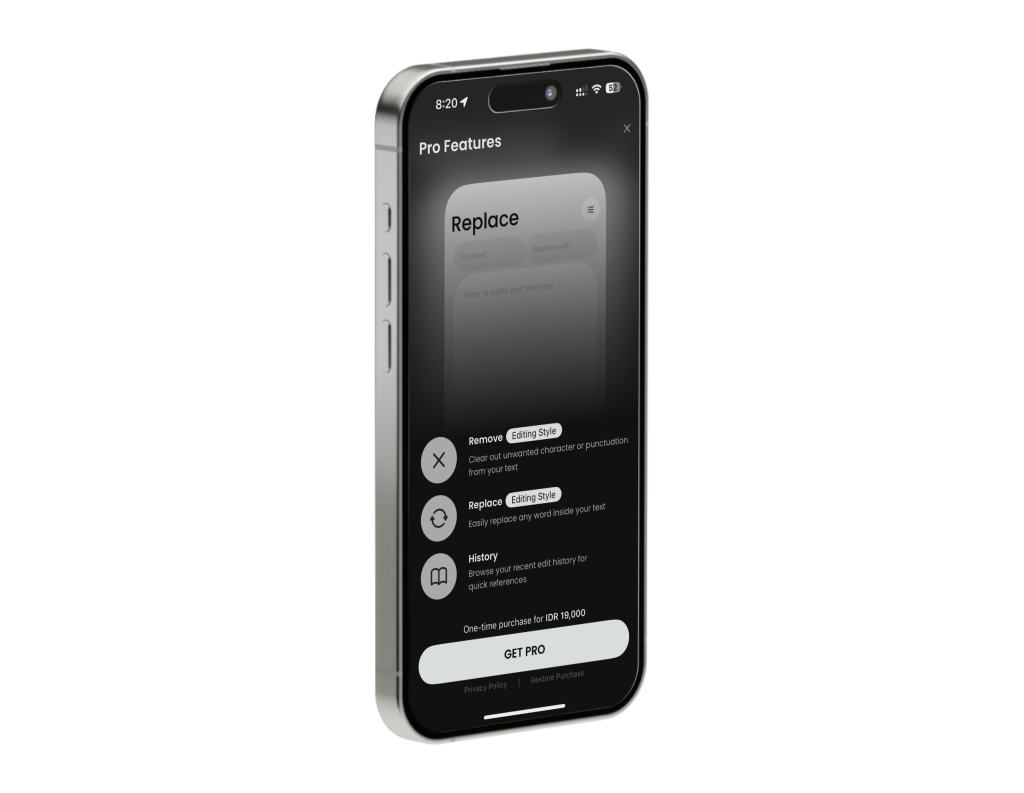
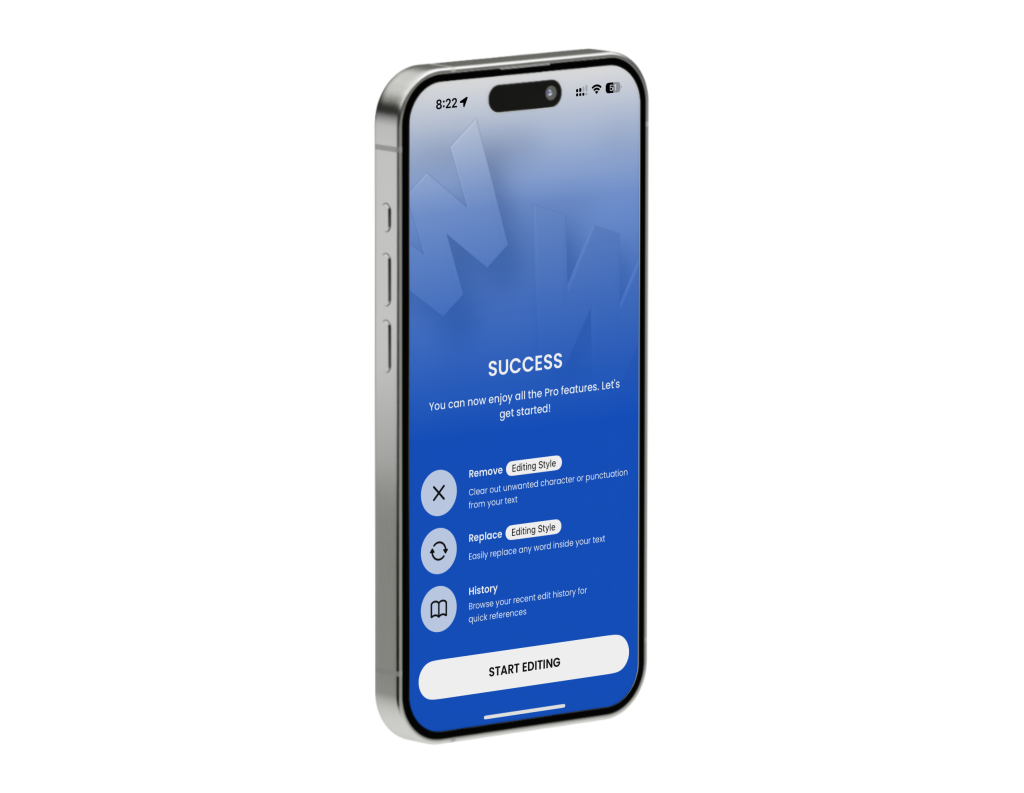
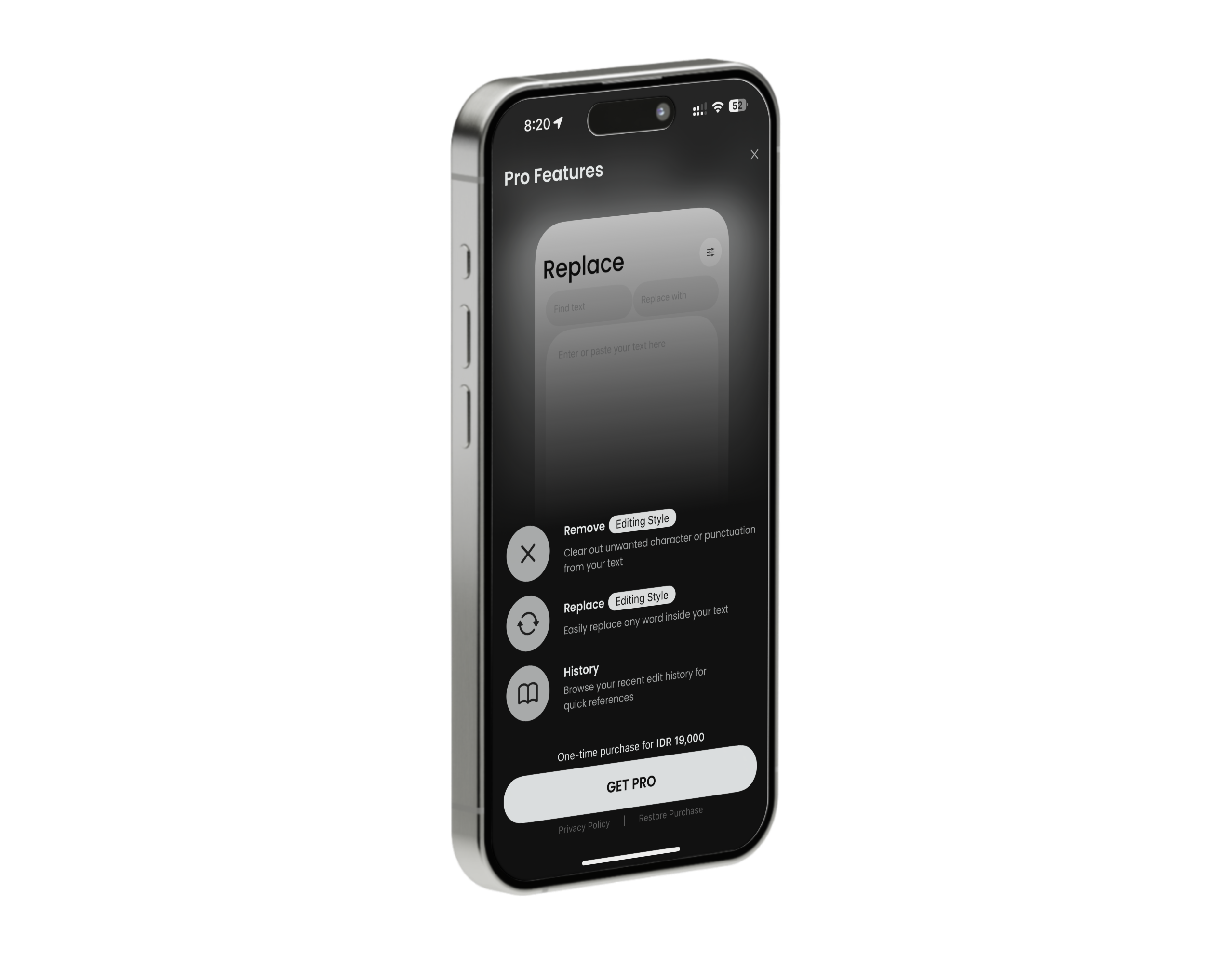
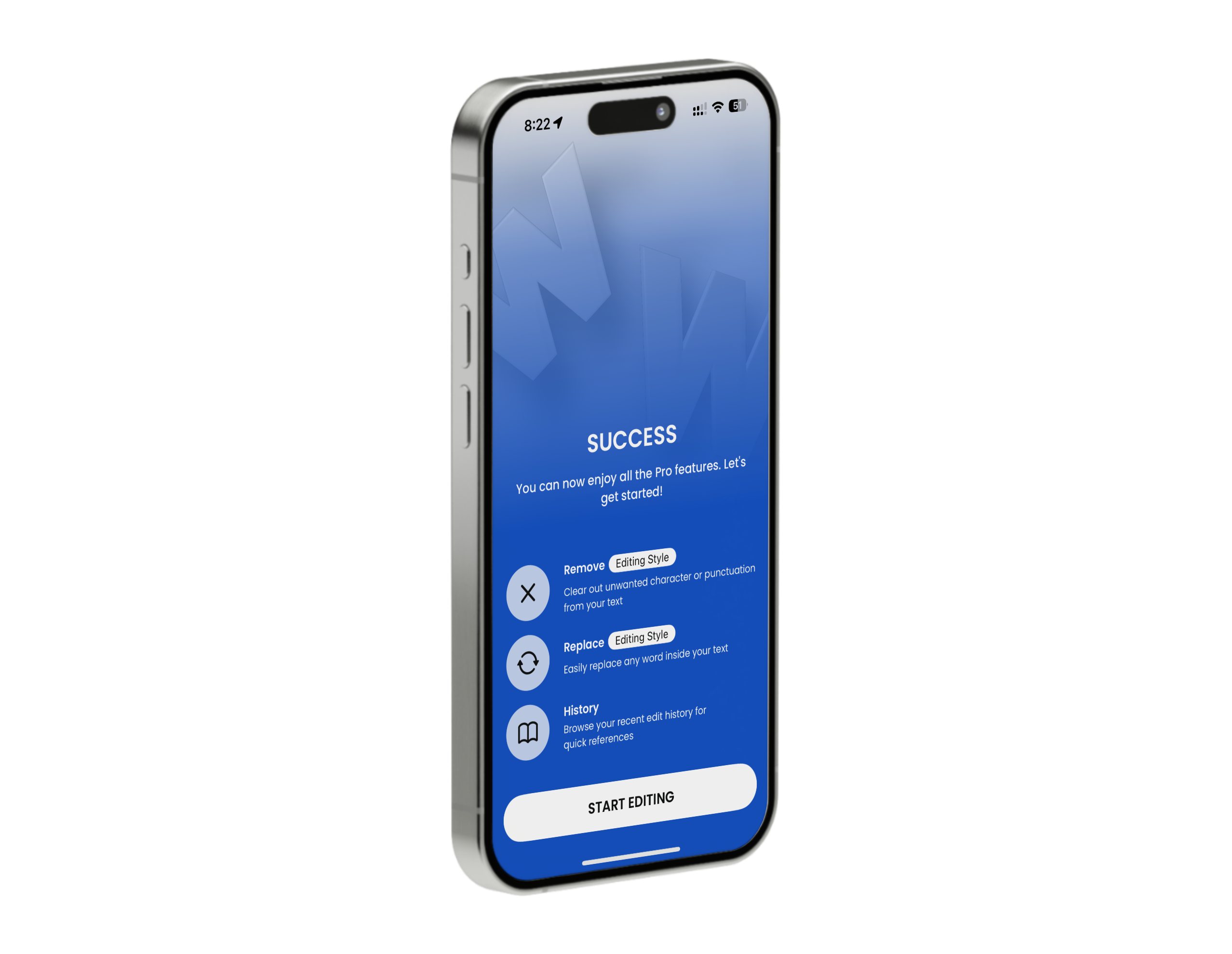
As a final push, I wanted to quickly learn how to build In-App Purchases using StoreKit 2 for the released version. It was a really nice framework that had received a bad reputation, similar to Core Data.
During the development, the app was thoroughly tested with Xcode Instruments for memory leaks. It was also extensively tested on TestFlight to ensure no transaction loss during the purchase of the premium version and to confirm the correct currencies were used.
Features
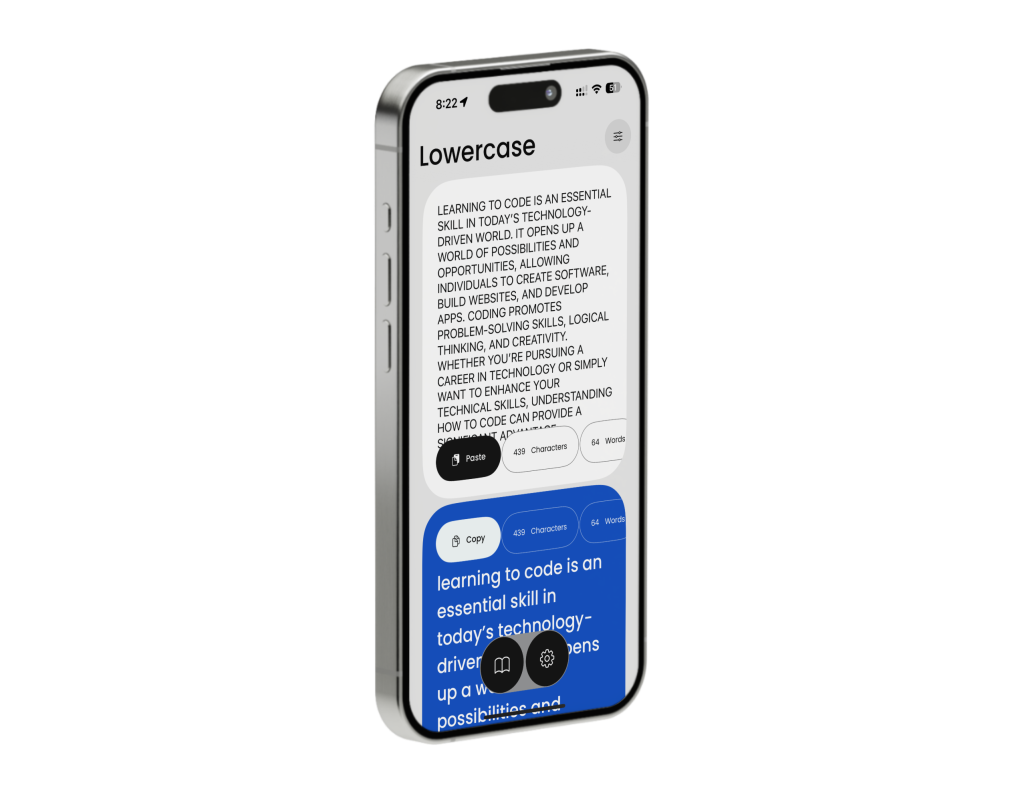
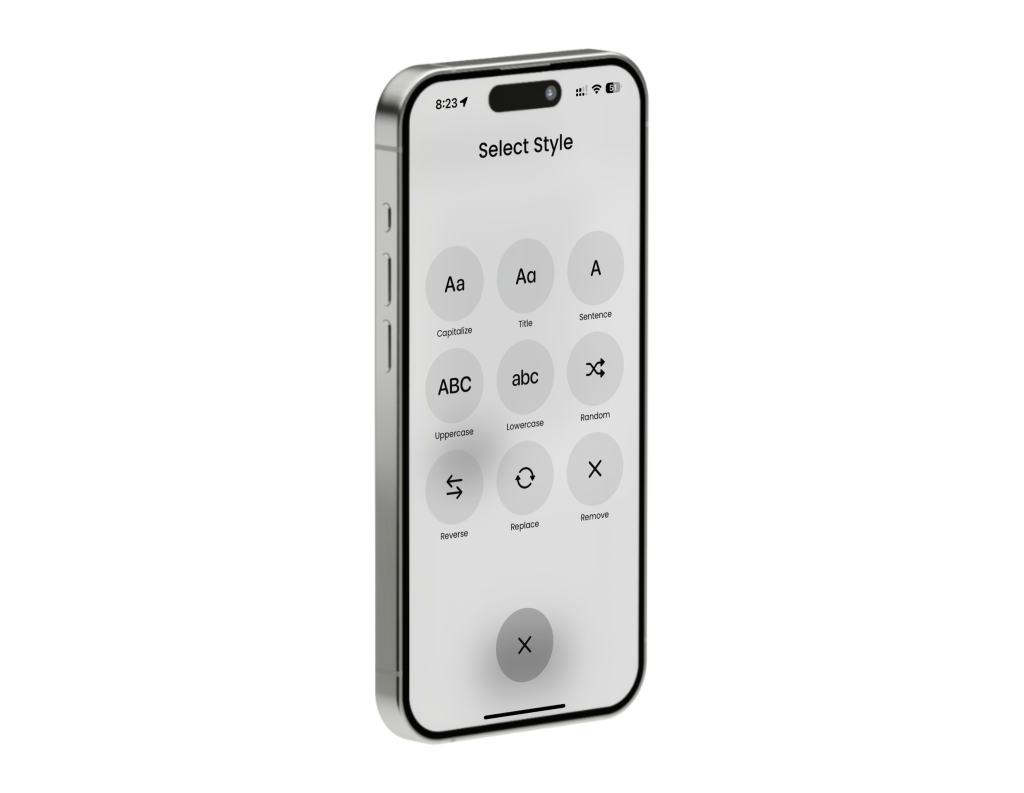
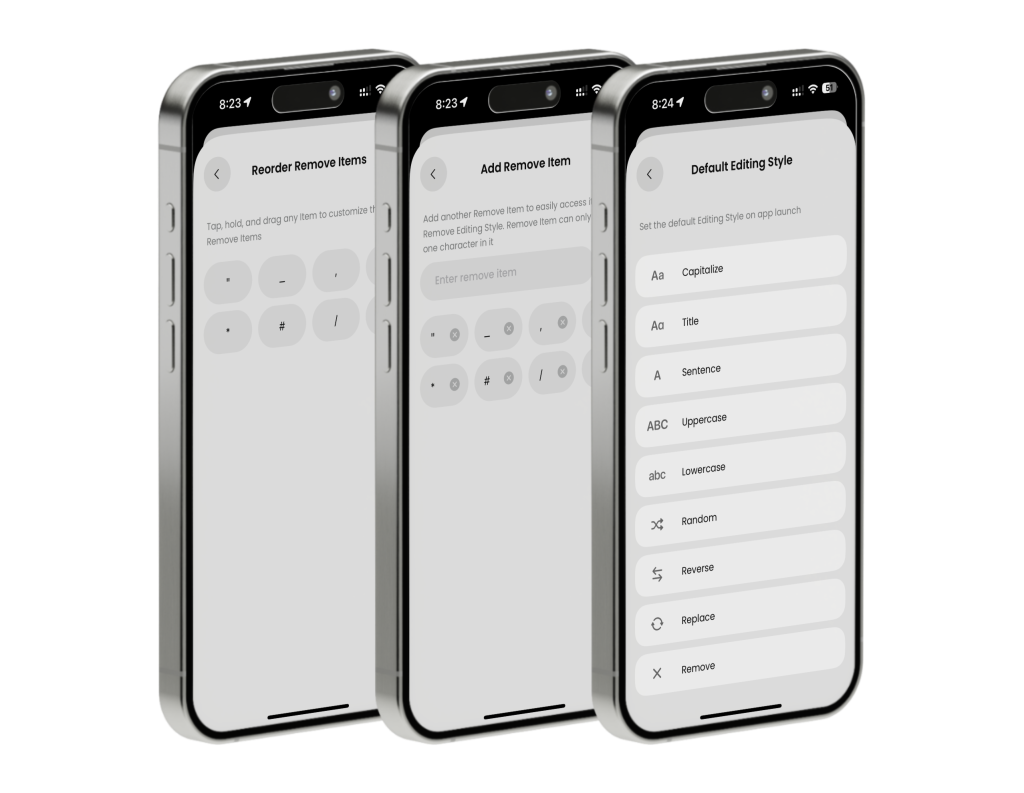
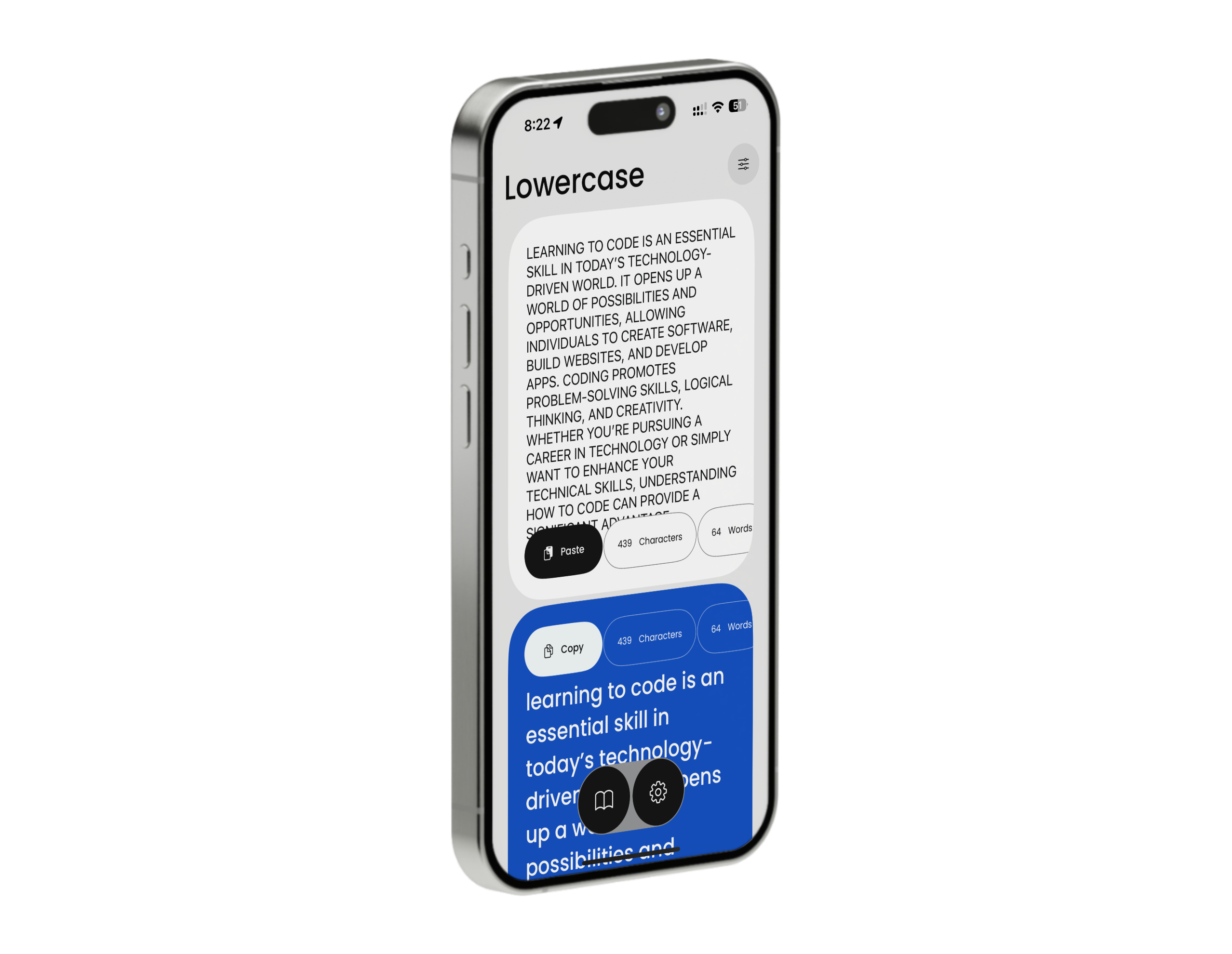
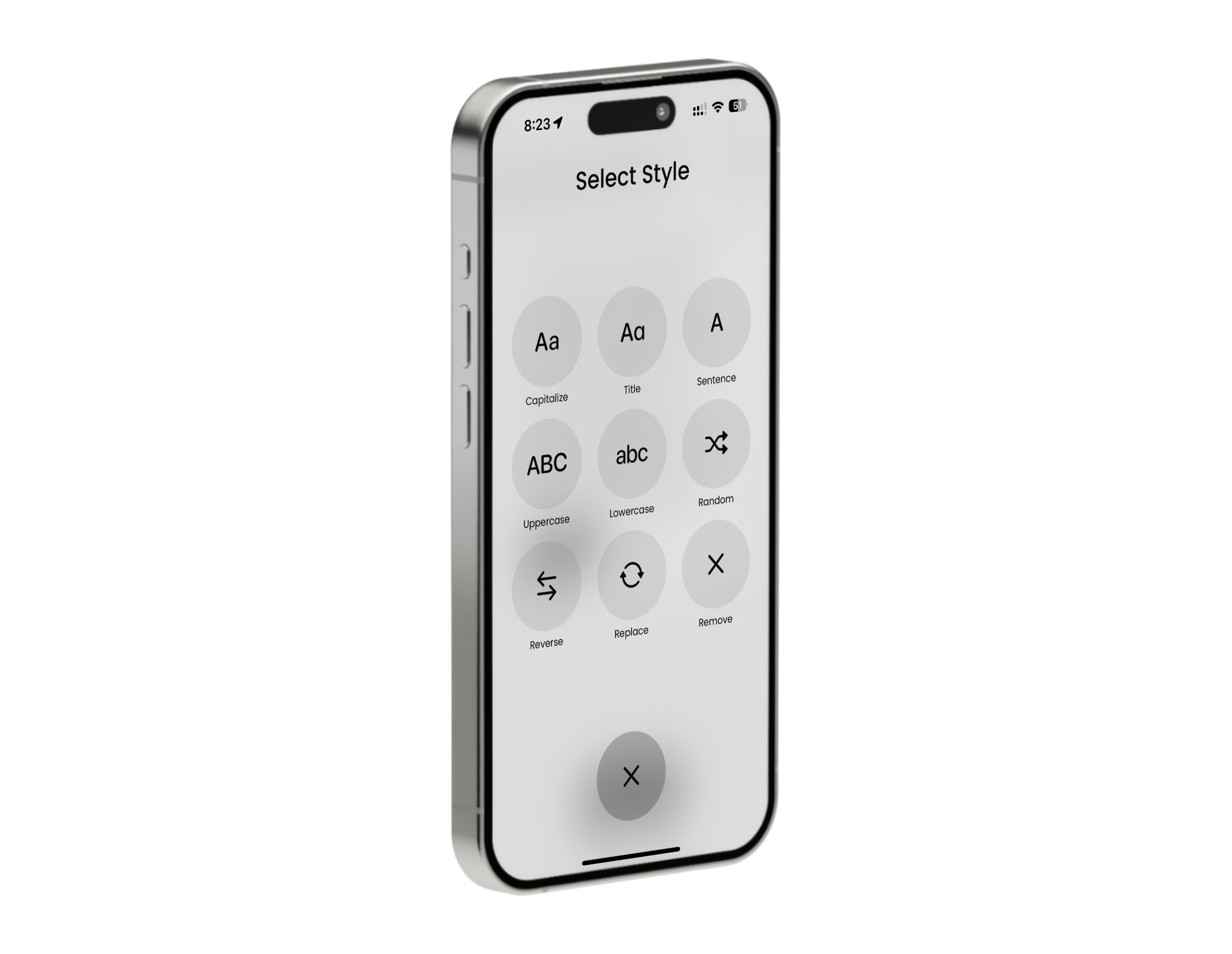
• Easily convert text cases with just two clicks: Capitalize, Title case, Sentence case, Lowercase, Uppercase, Randomize case, and Reverse case
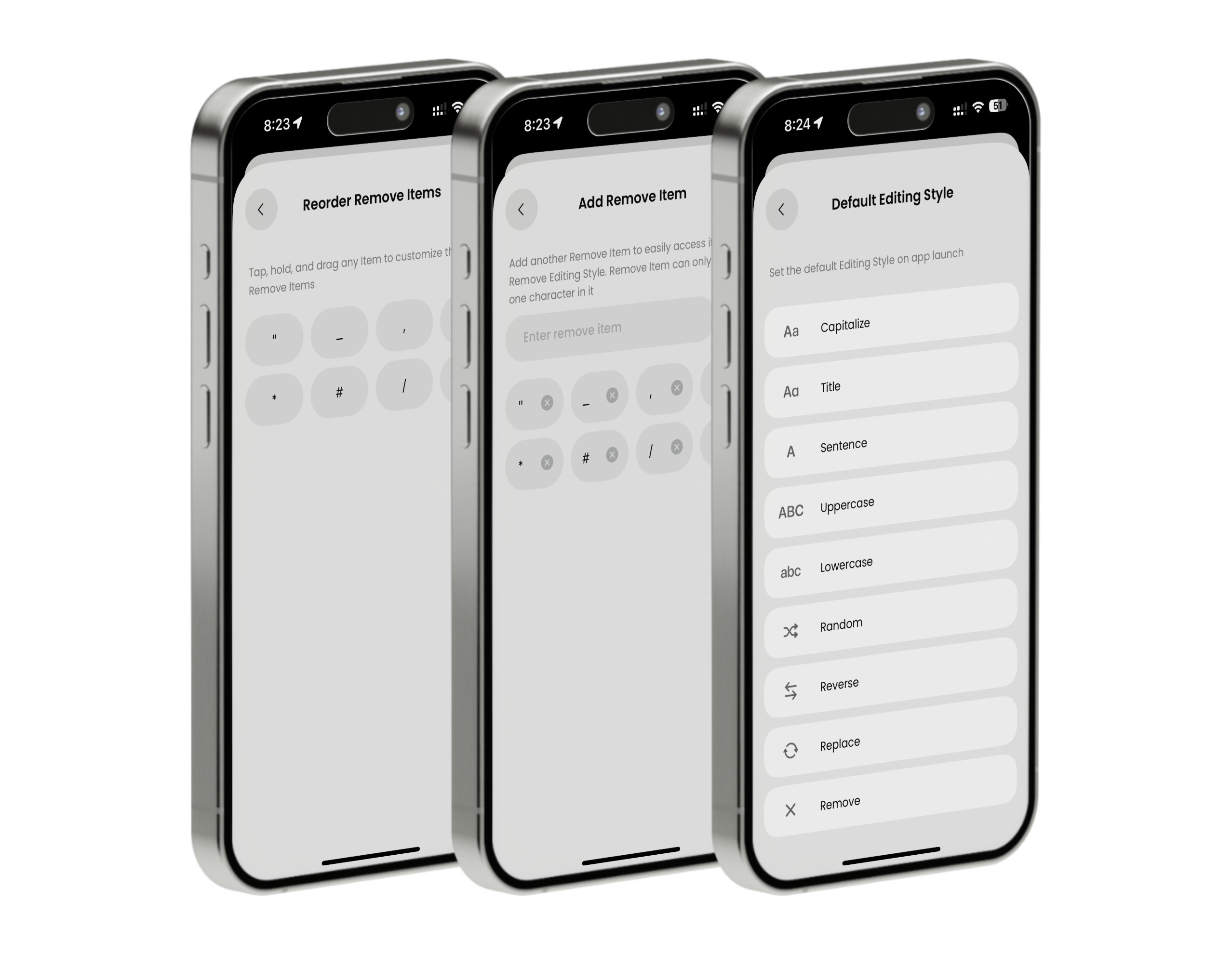
• Remove symbols
• Replace text
• Track the number of characters, words, sentences, and paragraphs
Technologies
• Swift, UIKit, SwiftUI, StoreKit 2, Firebase Analytics, WebKit, MVVM design pattern
Tools
• Xcode, TestFlight, GitHub, Spline, Pixelmator
What I Learned
• Building UI programmatically with UIKit
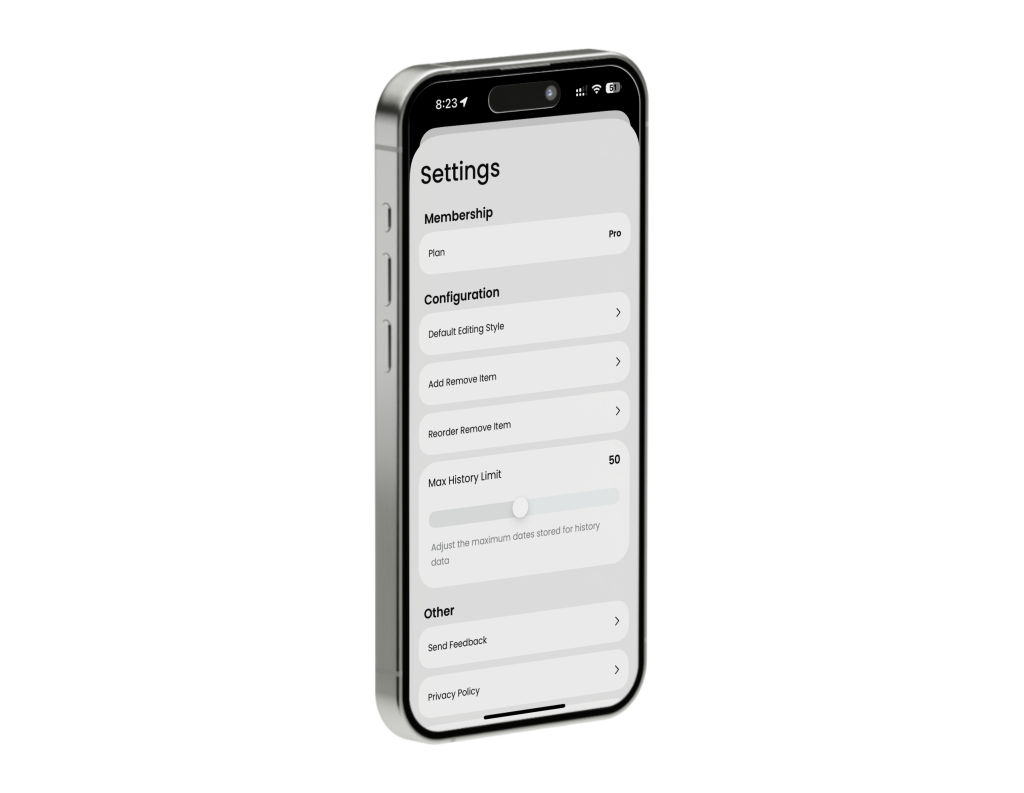
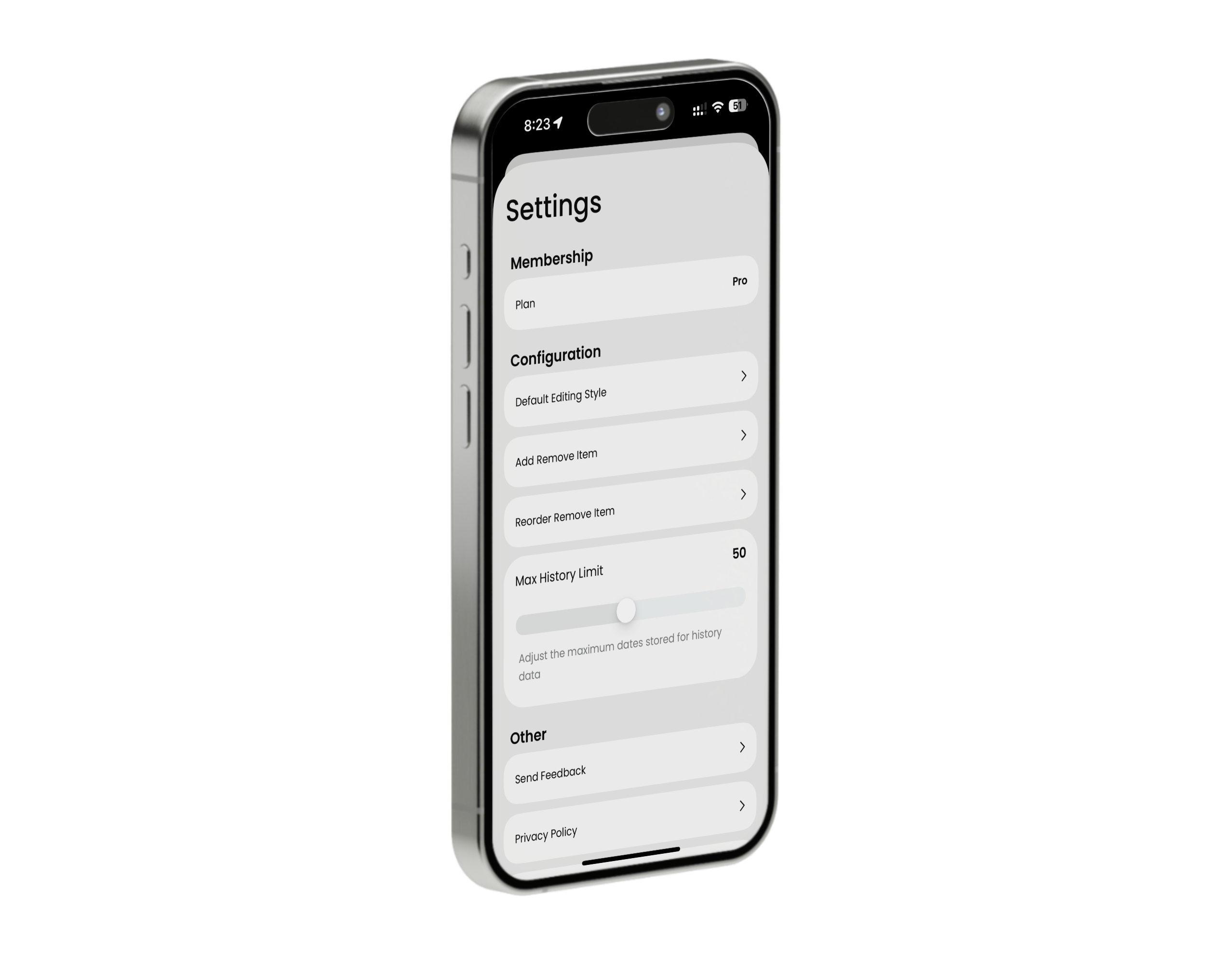
• Creating custom sliders with SwiftUI
• Animating UICollectionView
• Using custom UIGestureRecognizer on top of UICollectionView
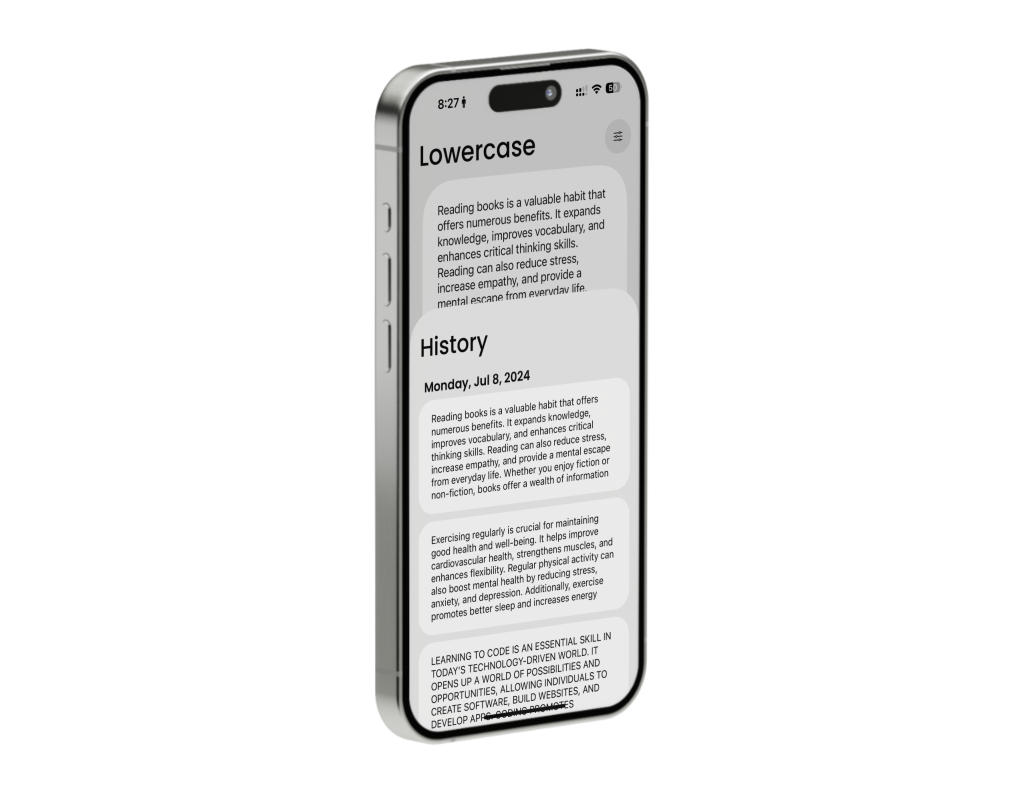
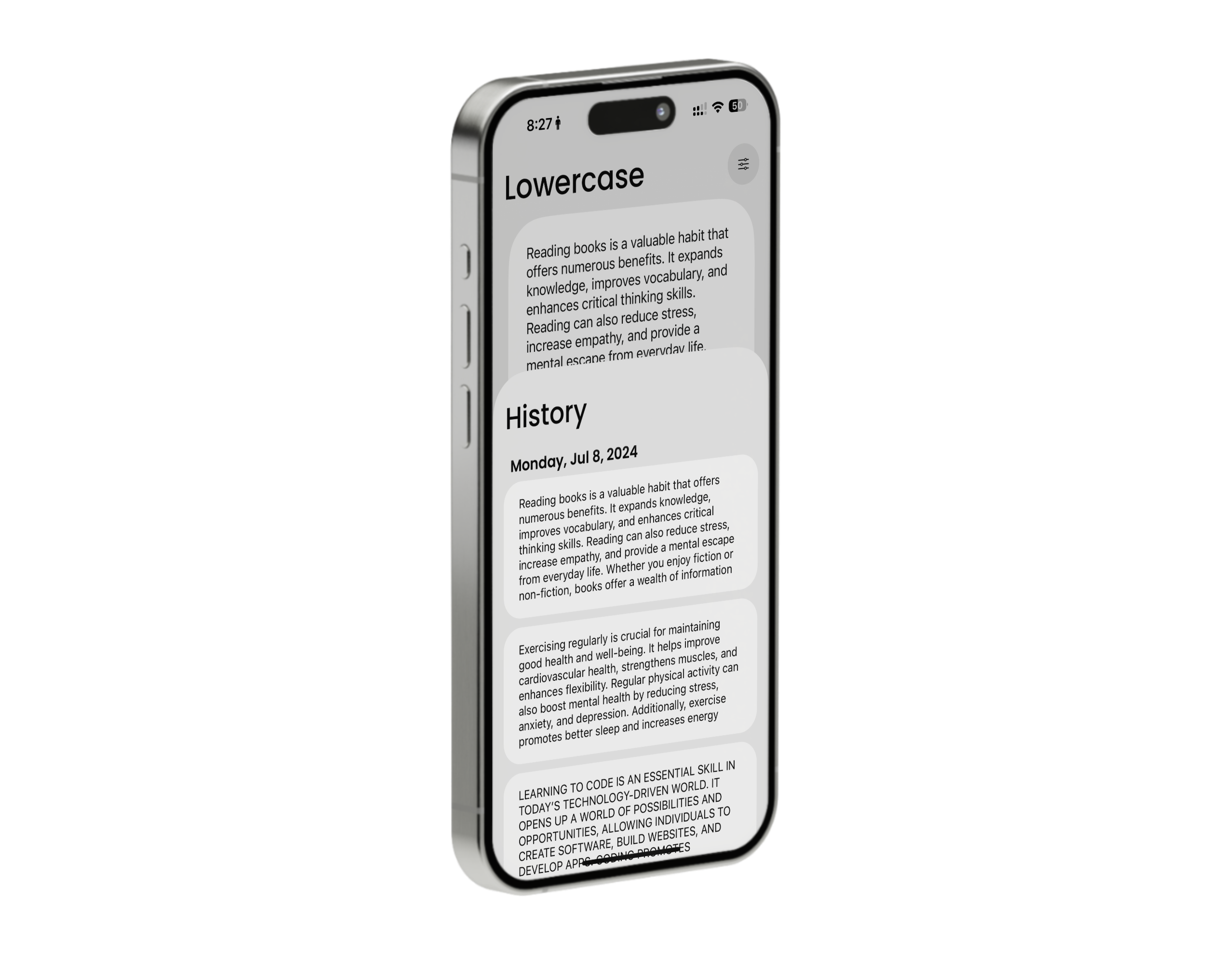
• Encoding and decoding local models to JSON files using Codable protocol
• Saving and fetching JSON data to/from local directories with FileManager
• Leveraging Firebase Analytics for future feature development
• Using StoreKit 2 framework for In-App Purchases
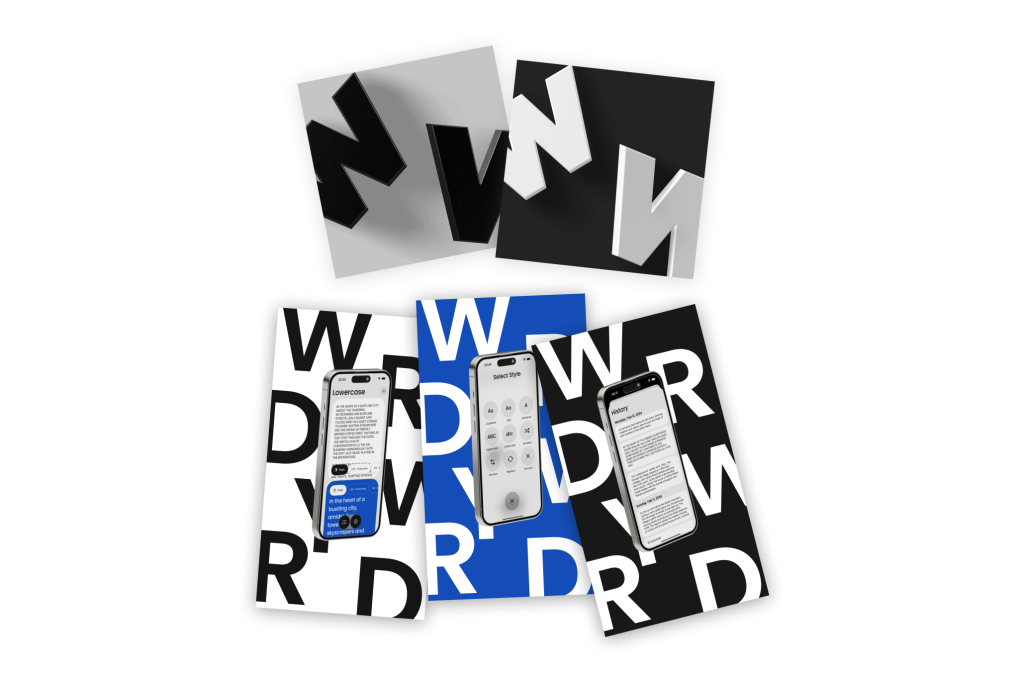
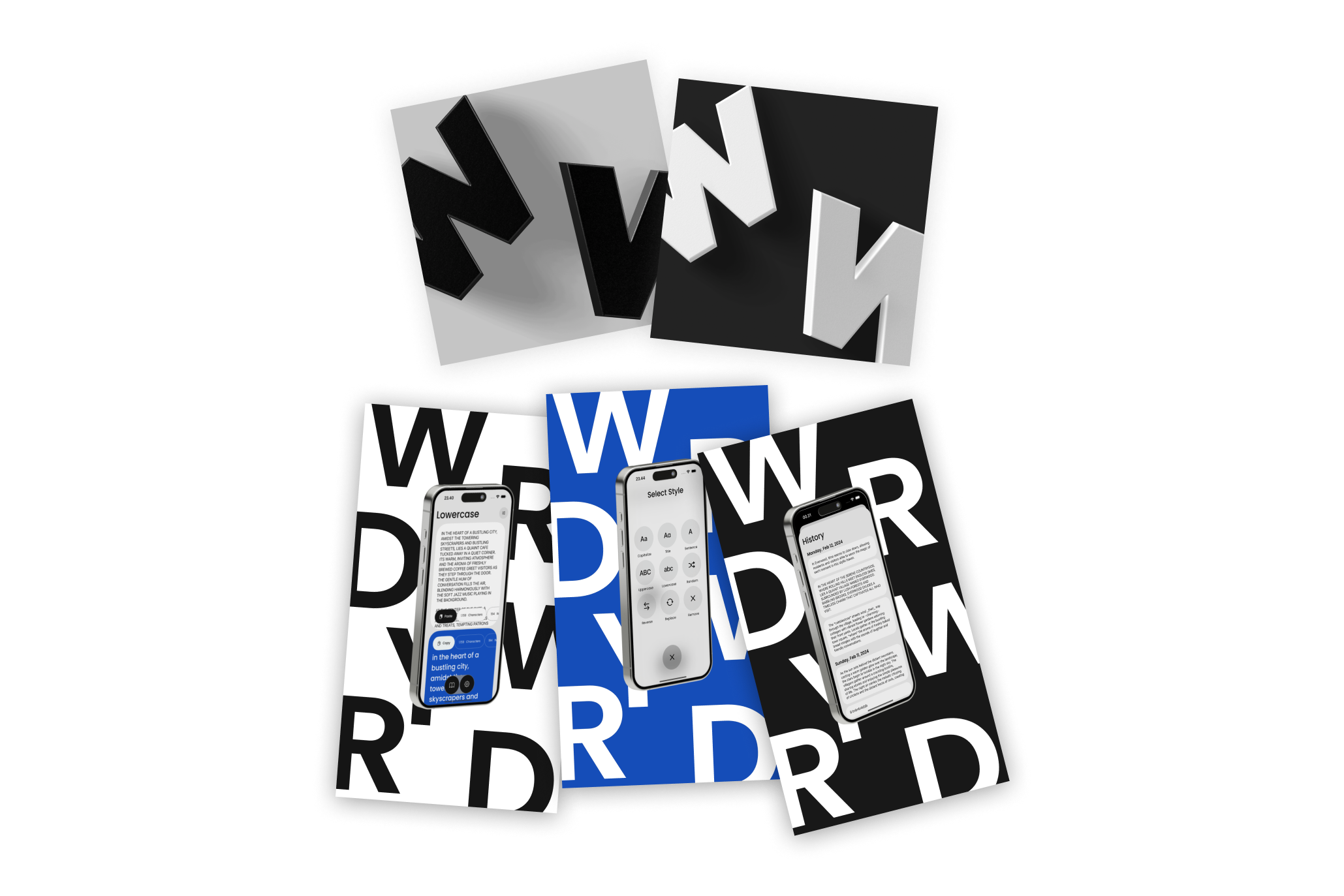
• Creating app icons using Spline Tool to emulate 3-dimensional letters
My Role
Sole iOS Developer
Project Wordy Word
Platform: iOS
Boy! Wordy Word is probably one of the most fun projects I’ve ever worked on. It began as a prototype to simplify my workload as a Social Media Specialist who worked with a lot of social media captions that needed re-casing. As I continued to add more functionality, I quickly realized that there might be others in the same situation as me. I then decided to make it official and began to develop a polished, full-fledged app for the App Store.
The app was developed in three parts. Firstly, in UIKit, as my knowledge of UIKit was very limited at the time. I used this app as a blank canvas to learn and challenge myself to write an app completely with UIKit and MVC design pattern. The second part was written in pure SwiftUI with MVVM design pattern, with the exact same functionality as the UIKit counterpart. The third part is the released version, which uses both SwiftUI and UIKit.
As a final push, I wanted to quickly learn how to build In-App Purchases using StoreKit 2 for the released version. It was a really nice framework that had received a bad reputation, similar to Core Data.
During the development, the app was thoroughly tested with Xcode Instruments for memory leaks. It was also extensively tested on TestFlight to ensure no transaction loss during the purchase of the premium version and to confirm the correct currencies were used.
Features
• Easily convert text cases with just two clicks: Capitalize, Title case, Sentence case, Lowercase, Uppercase, Randomize case, and Reverse case
• Remove symbols
• Replace text
• Track the number of characters, words, sentences, and paragraphs
Technologies
• Swift, UIKit, SwiftUI, StoreKit 2, Firebase Analytics, WebKit, MVVM design pattern
Tools
• Xcode, TestFlight, GitHub, Spline, Pixelmator
What I Learned
• Building UI programmatically with UIKit
• Creating custom sliders with SwiftUI
• Animating UICollectionView
• Using custom UIGestureRecognizer on top of UICollectionView
• Encoding and decoding local models to JSON files using Codable protocol
• Saving and fetching JSON data to/from local directories with FileManager
• Leveraging Firebase Analytics for future feature development
• Using StoreKit 2 framework for In-App Purchases
• Creating app icons using Spline Tool to emulate 3-dimensional letters
My Role
Sole iOS Developer