


Project Being
Platform: iOS
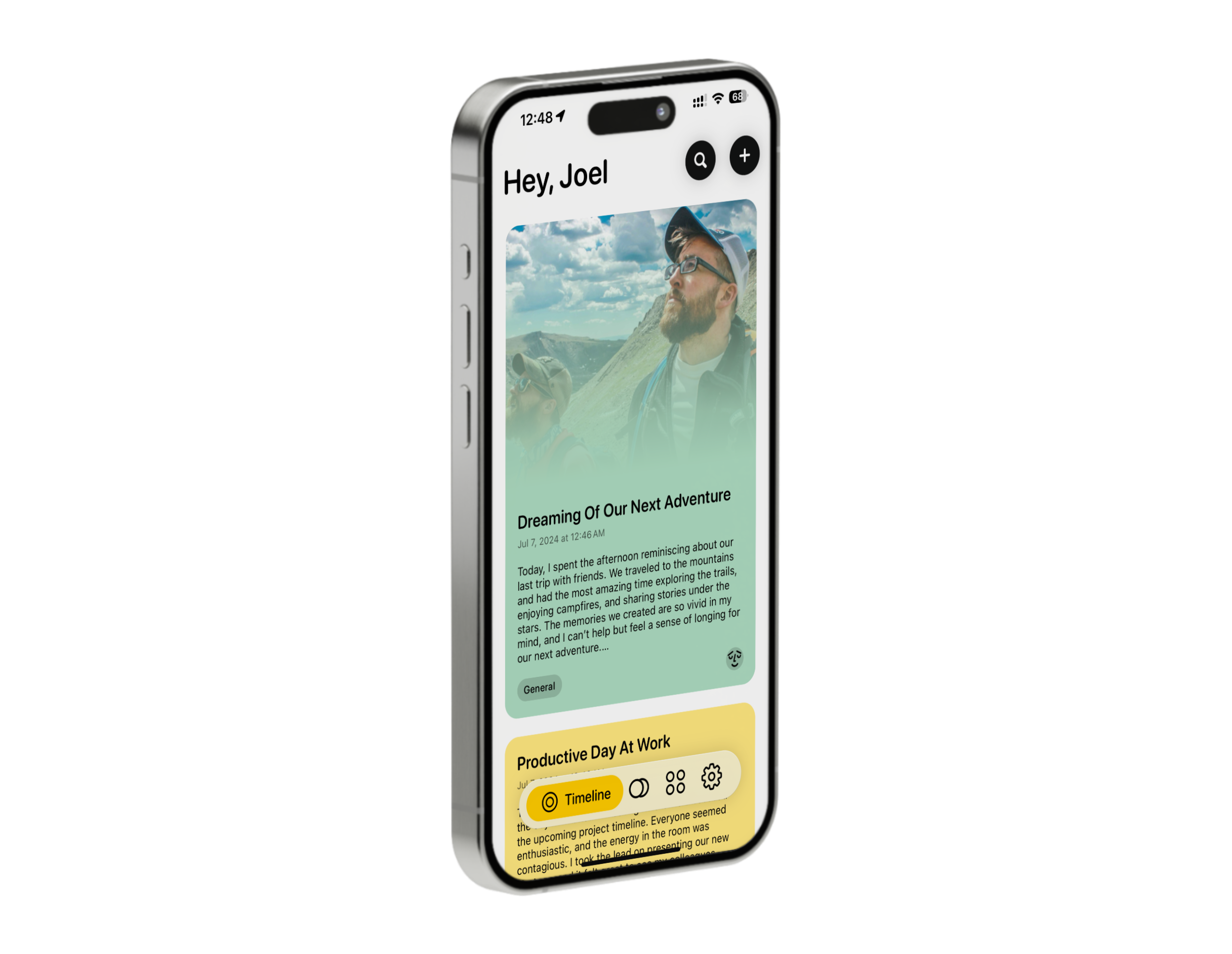
Being began as an idea for a space where users could privately share their life updates, similar to social media but more personal and local. As the project evolved, it gradually shifted towards a mature concept focused on journaling and well-being.
With its focus on mostly CRUD operations, this project was the perfect playground to explore the Core Data framework.
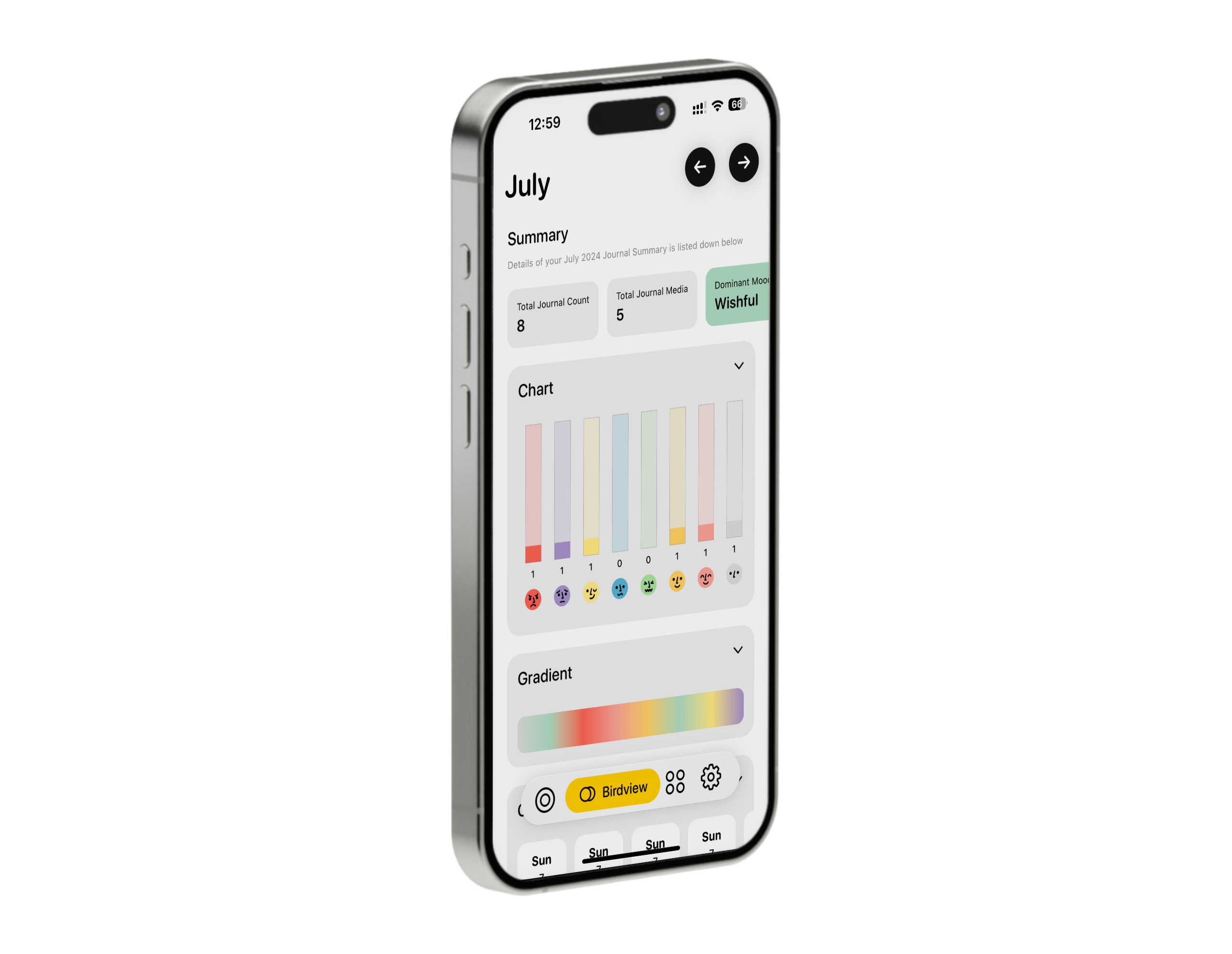
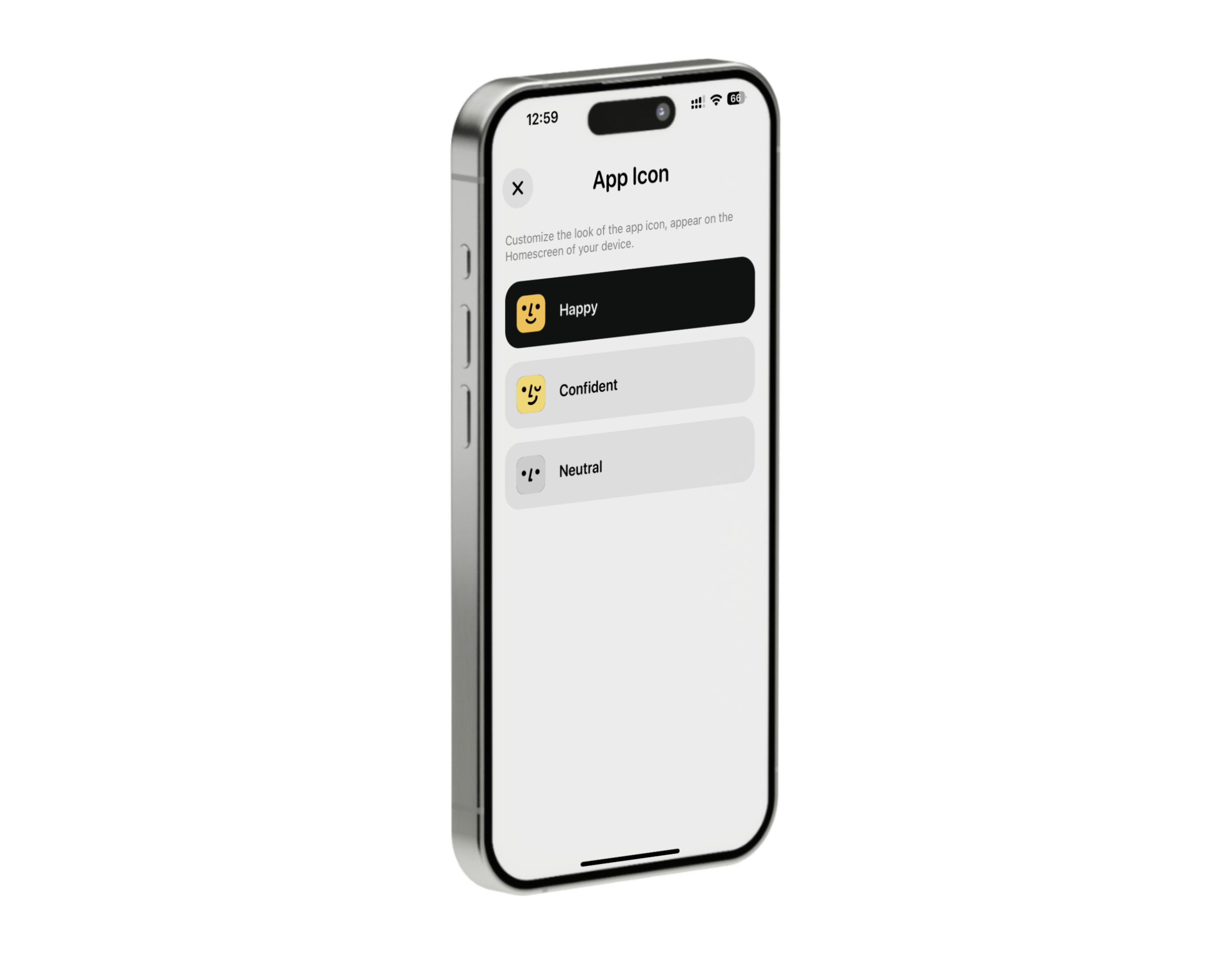
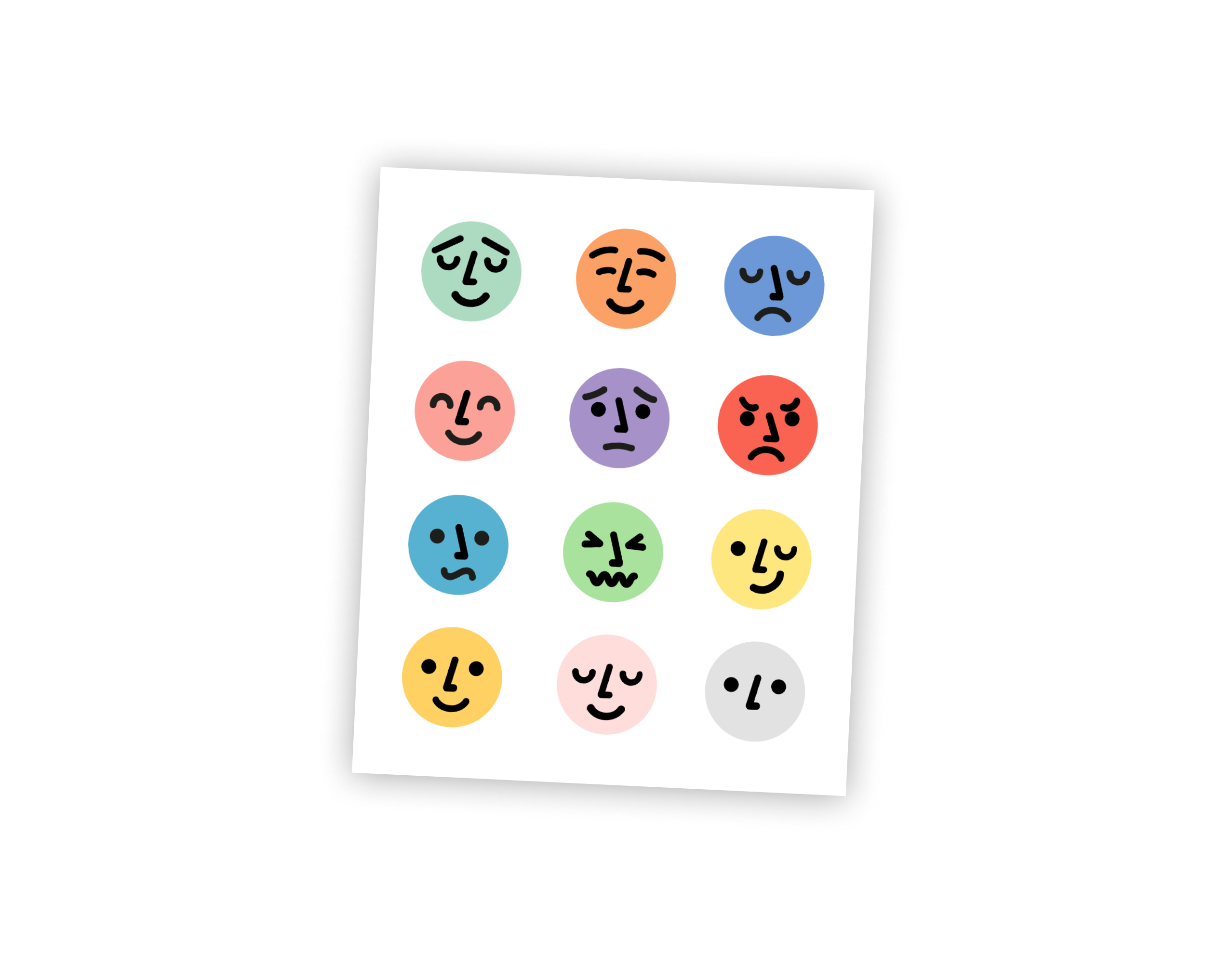
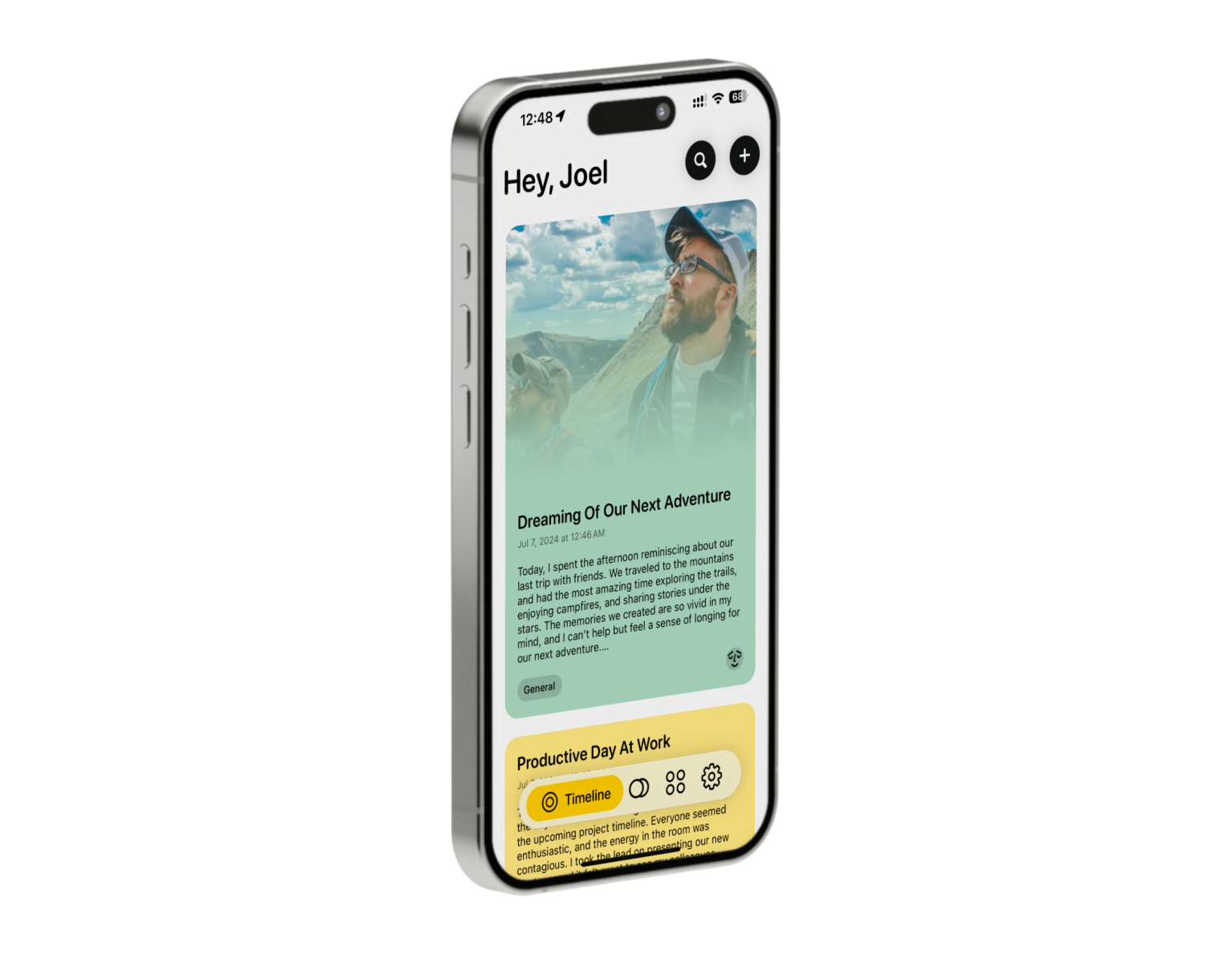
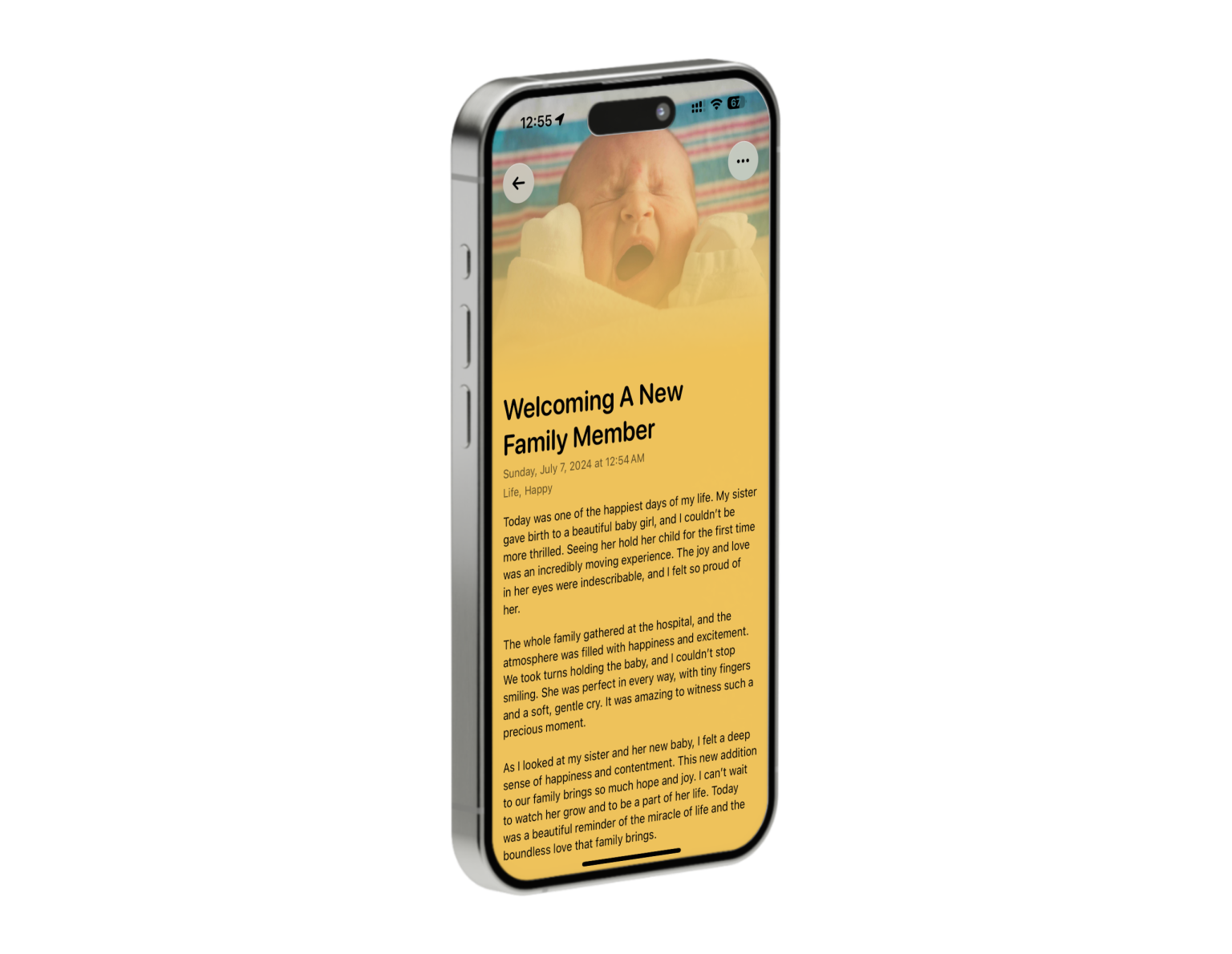
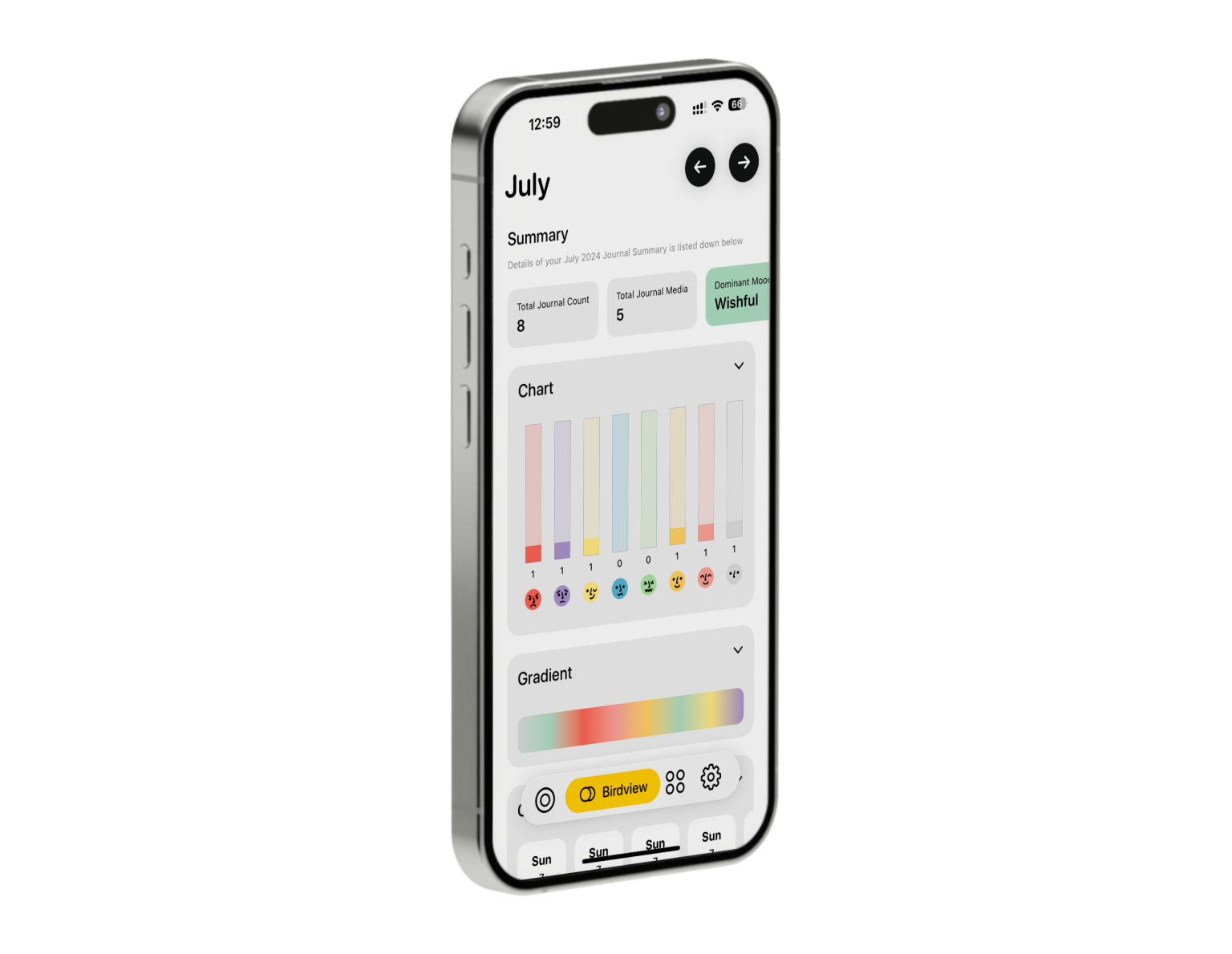
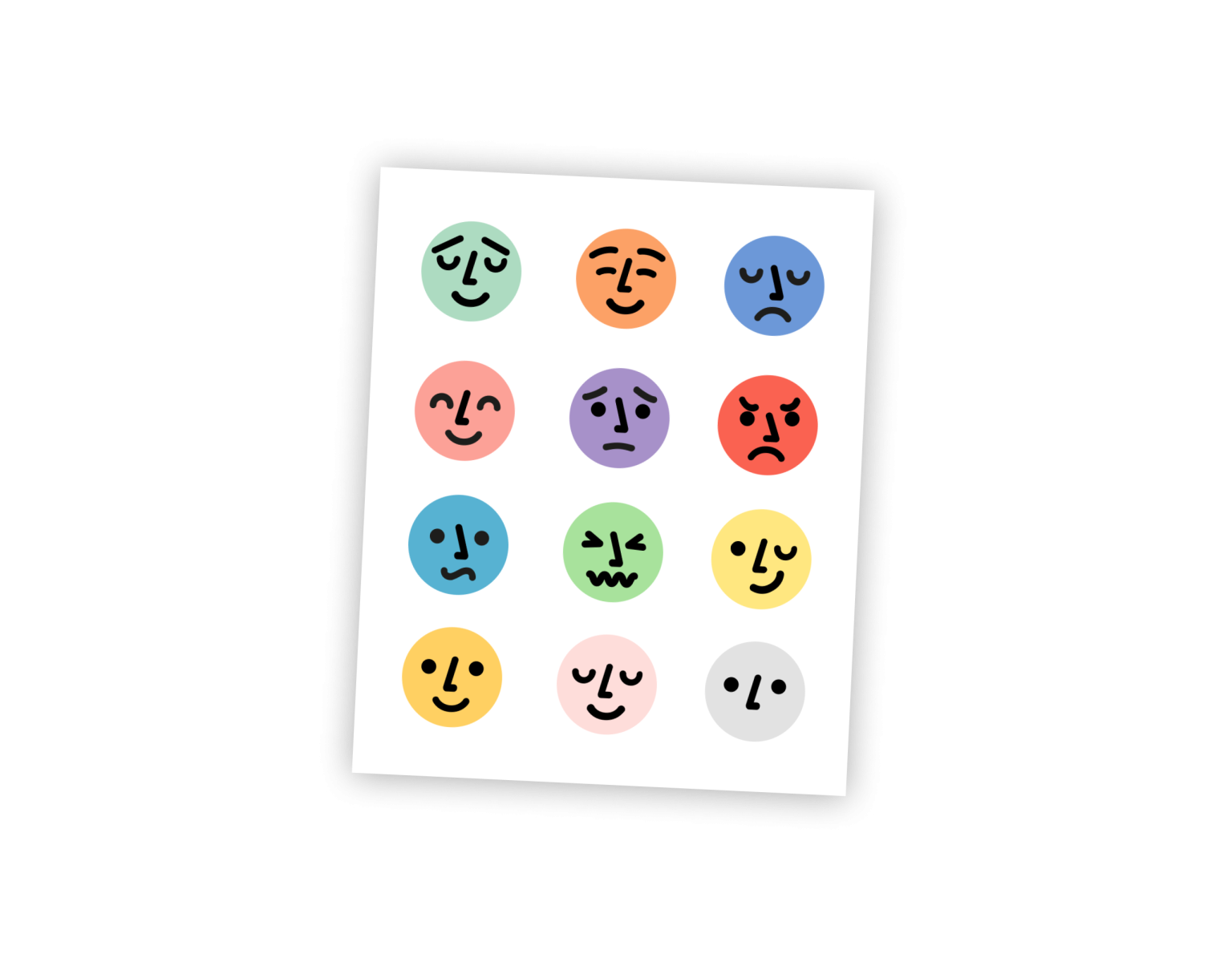
The app is built around the concept of mood, with each mood represented by a different color. Throughout the development process, Gérarld, our Asset Designer, and I went through multiple iterations of colors and app asset designs (mood emojis, onboarding artwork, and app icons). We aimed to strike a perfect balance of contrast and cohesion, ensuring that the app’s design was both visually appealing and functional.
In the second half of development, I invited my friend Mikail to join the project. Mikail conceptualized and designed the flow of a new feature called “Quest” and crafted its copywriting. I translated his vision into functional code, making “Quest” a valuable addition to the app. This feature, found in version 1.0, offers 100 positive life challenges to encourage personal growth for users.
This project holds a special place in my heart as it was my first venture into iOS development and what made me fall in love with programming in the first place. I will continue supporting and improving this app, enhancing its features and ensuring it remains a valuable tool for users.
Features
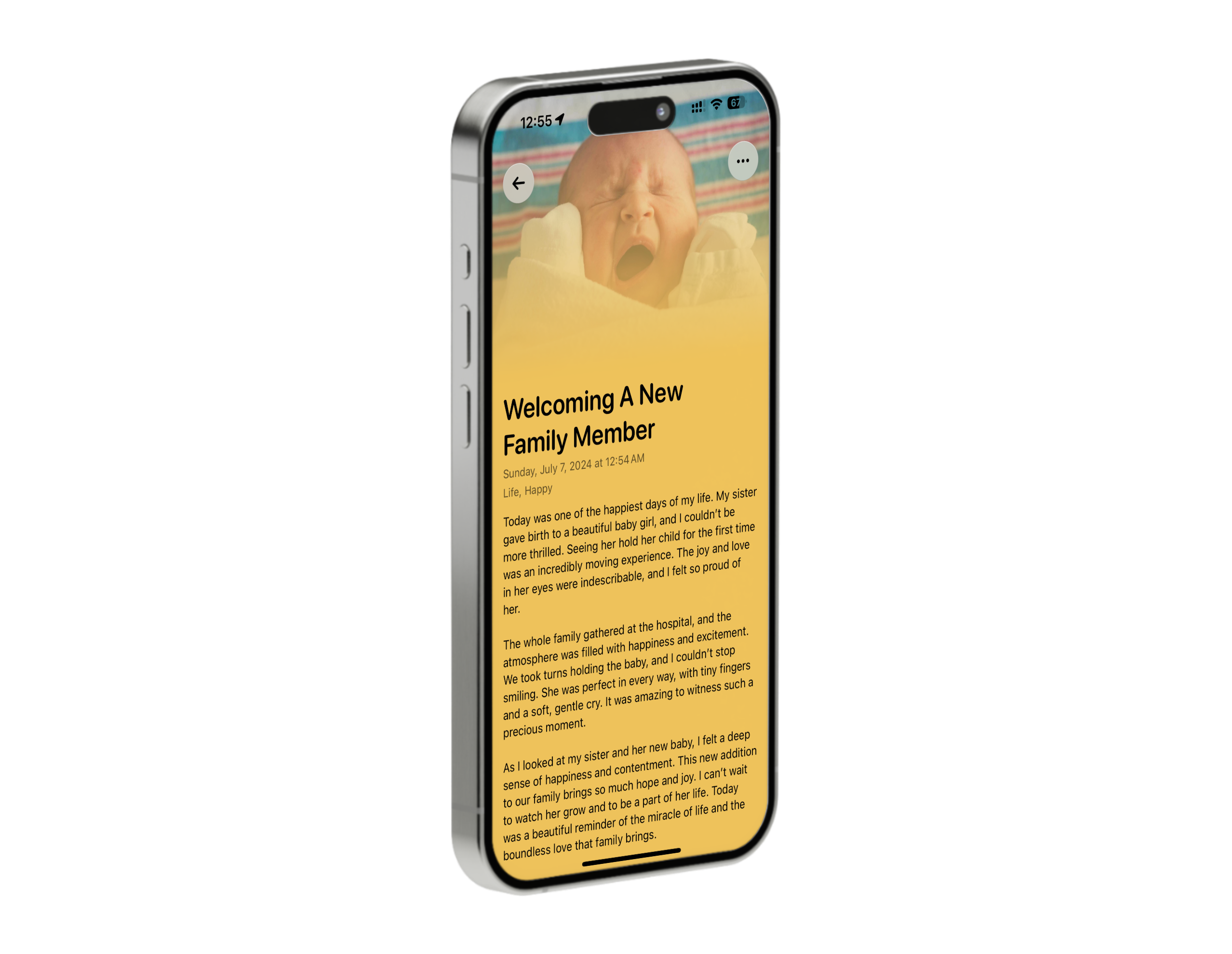
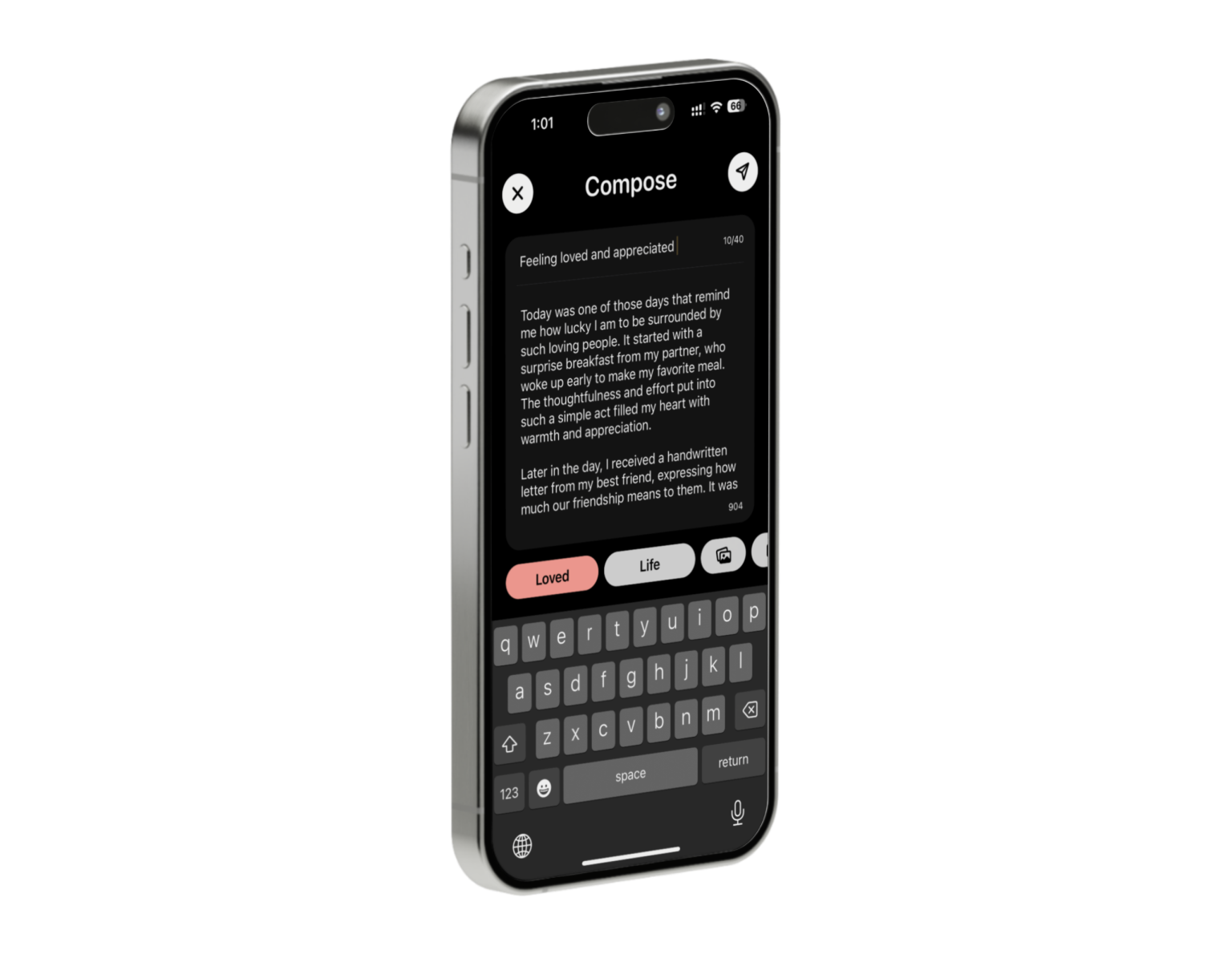
• Quickly share thoughts and feelings through journaling
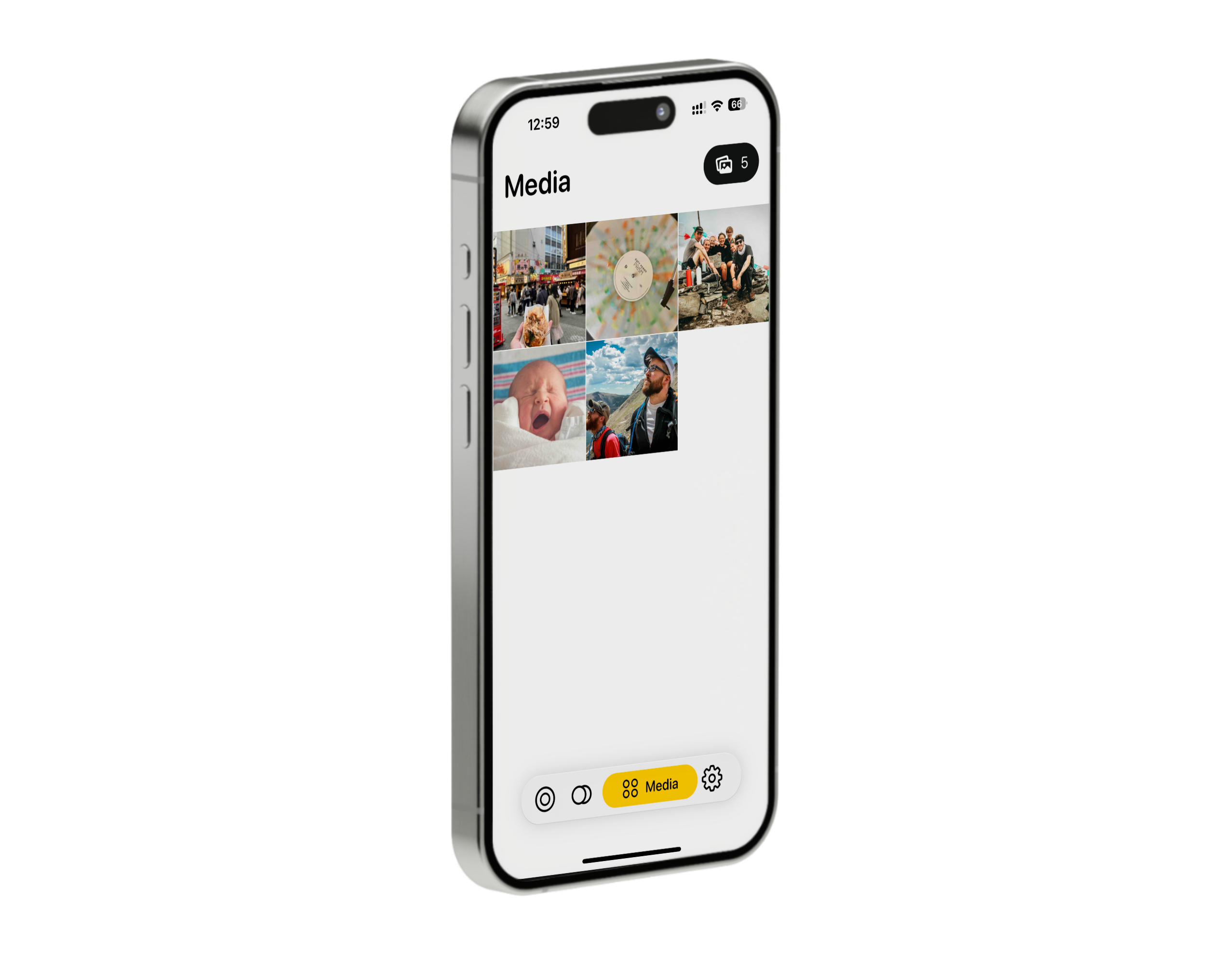
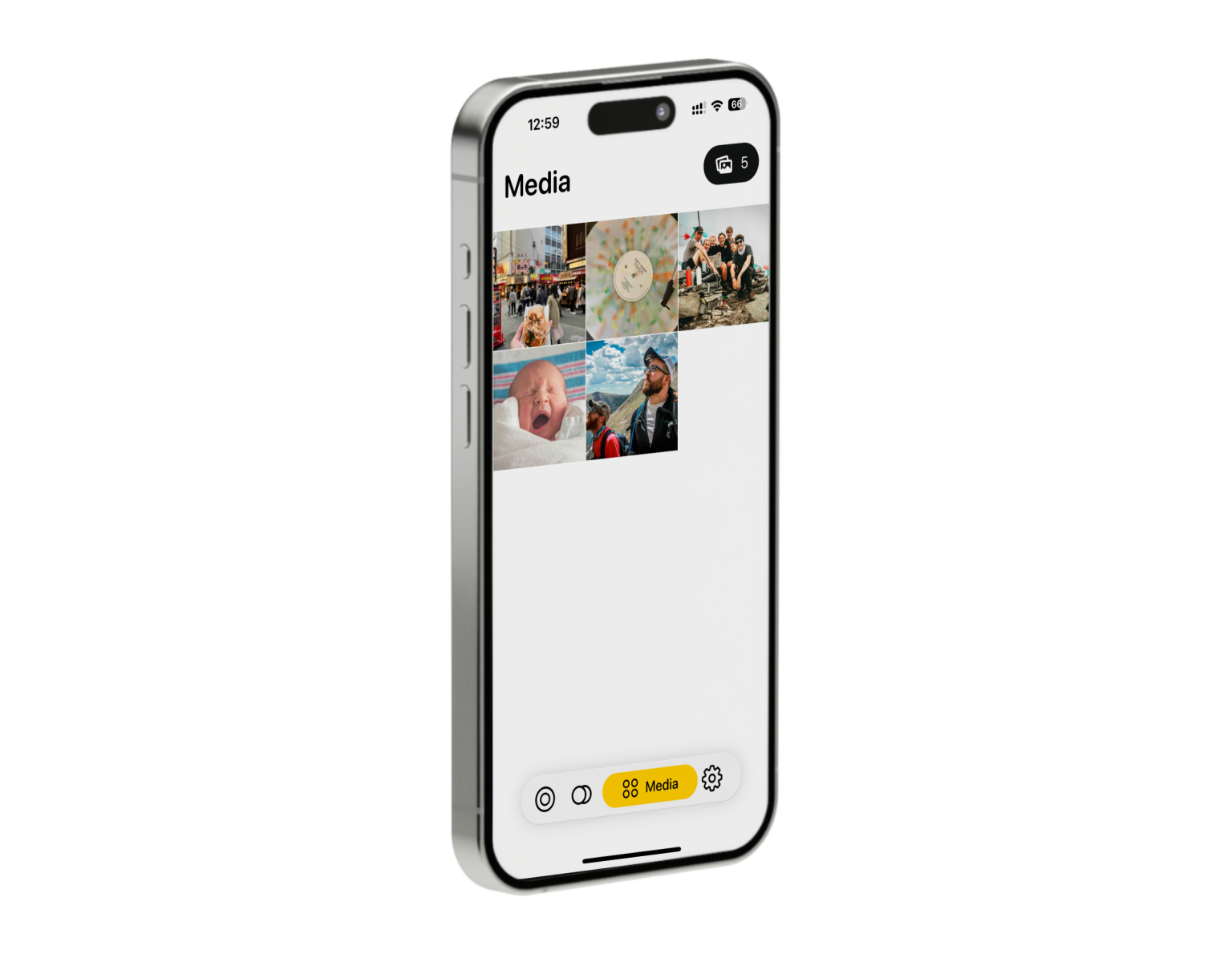
• Embed a photo in the journal for a more visual experience
• Daily reminders with local push notifications to promote consistent journaling habits
• Categorize journals by mood
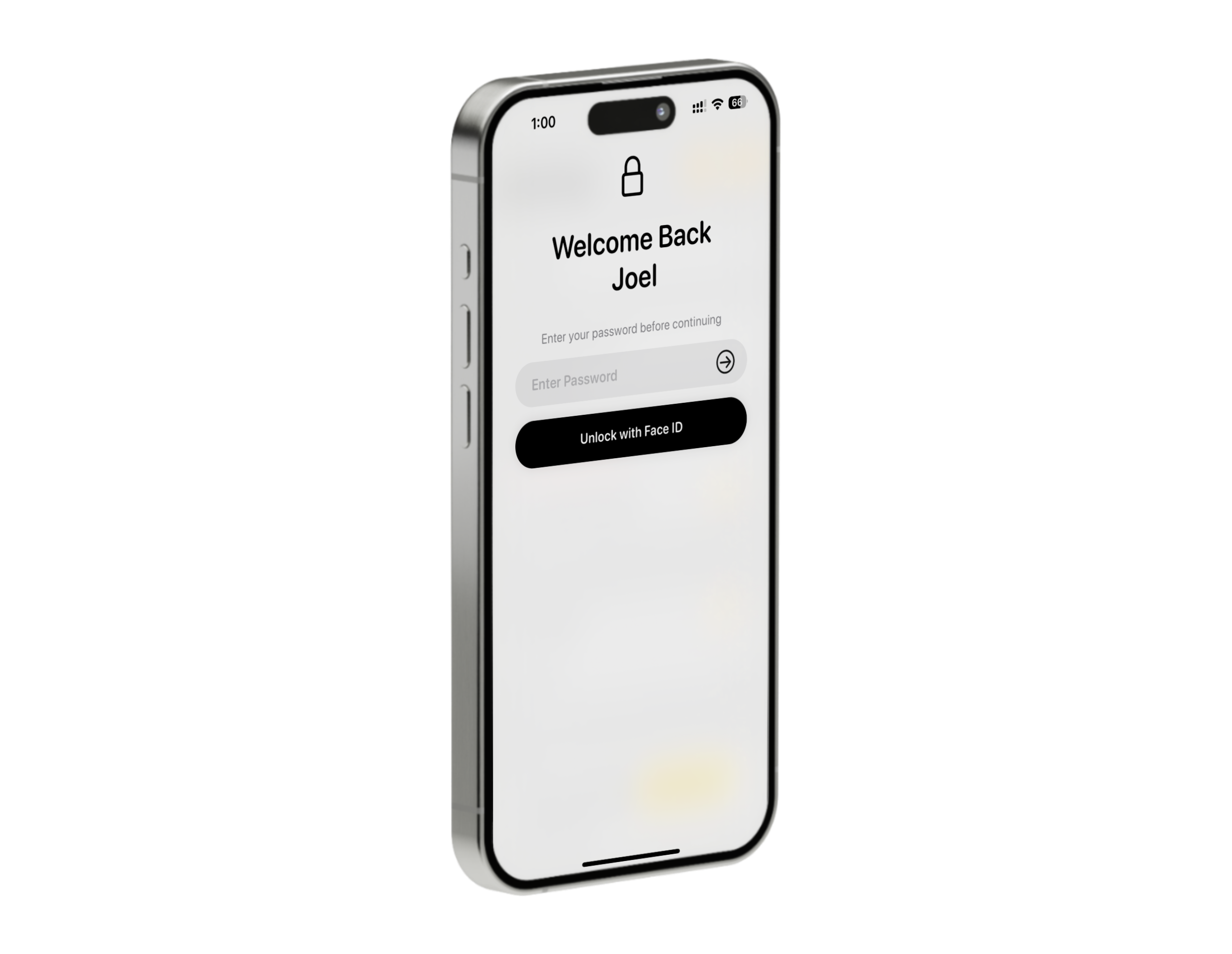
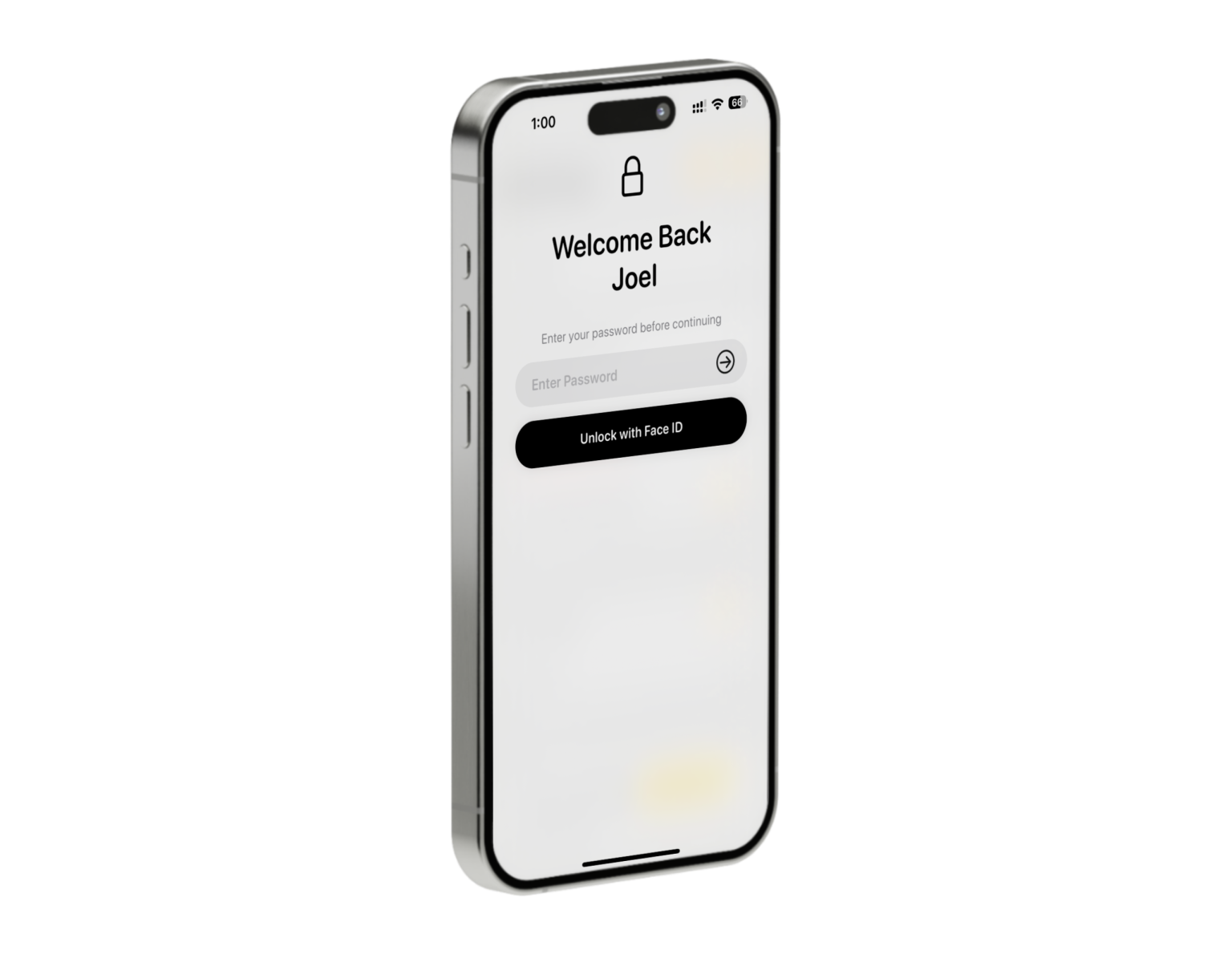
• App locking with biometrics and passcode
• Monthly journaling statistics
Technologies
• Swift, Core Data, SwiftUI, UIKit, Combine, User Notification, Local Authentication, MVVM design pattern
Tools
• Xcode, TestFlight, GitHub, Figma, Pixelmator, Photoshop
What I Learned
• Building custom and reusable UI components with SwiftUI
• Implementing local push notifications using the UserNotifications framework
• Collaborating with Gérarld Wirianata to create a cohesive look and color scheme throughout the app
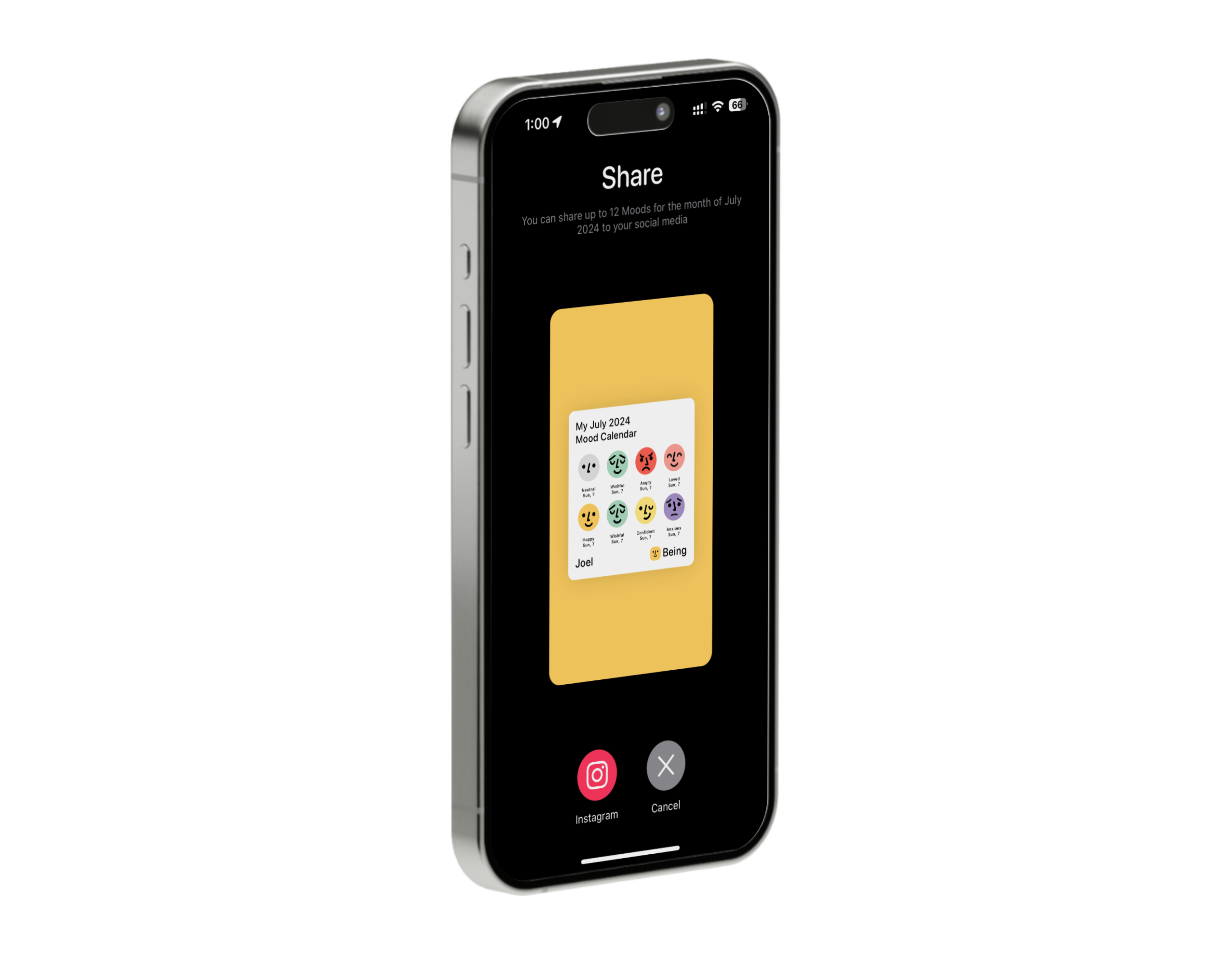
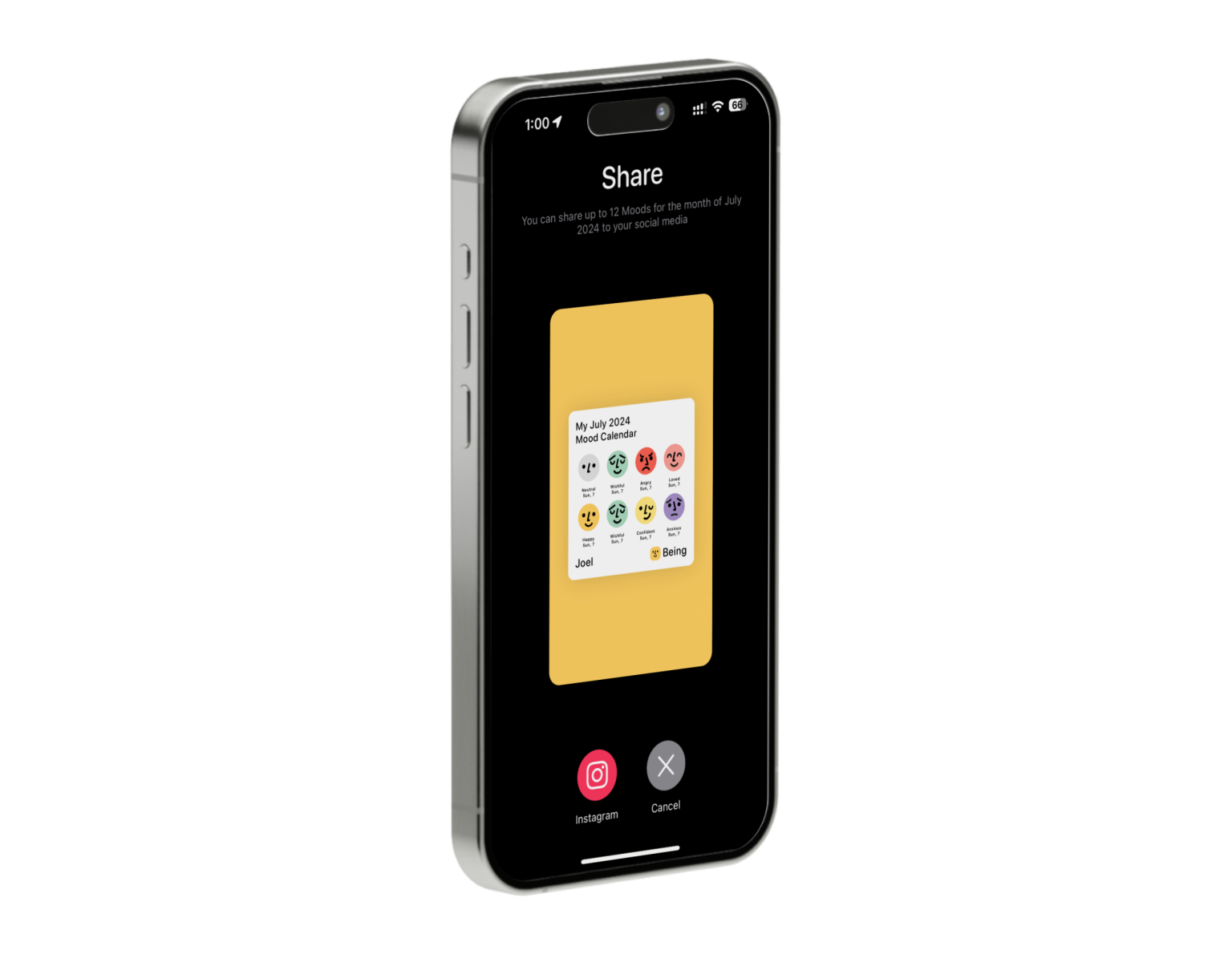
• Snapshotting SwiftUI views with ImageRenderer for social media sharing features
• Using Combine to debounce and filter through an array of journals for the search feature
• Converting SVG files to SwiftUI paths for scalable and resolution-independent app assets
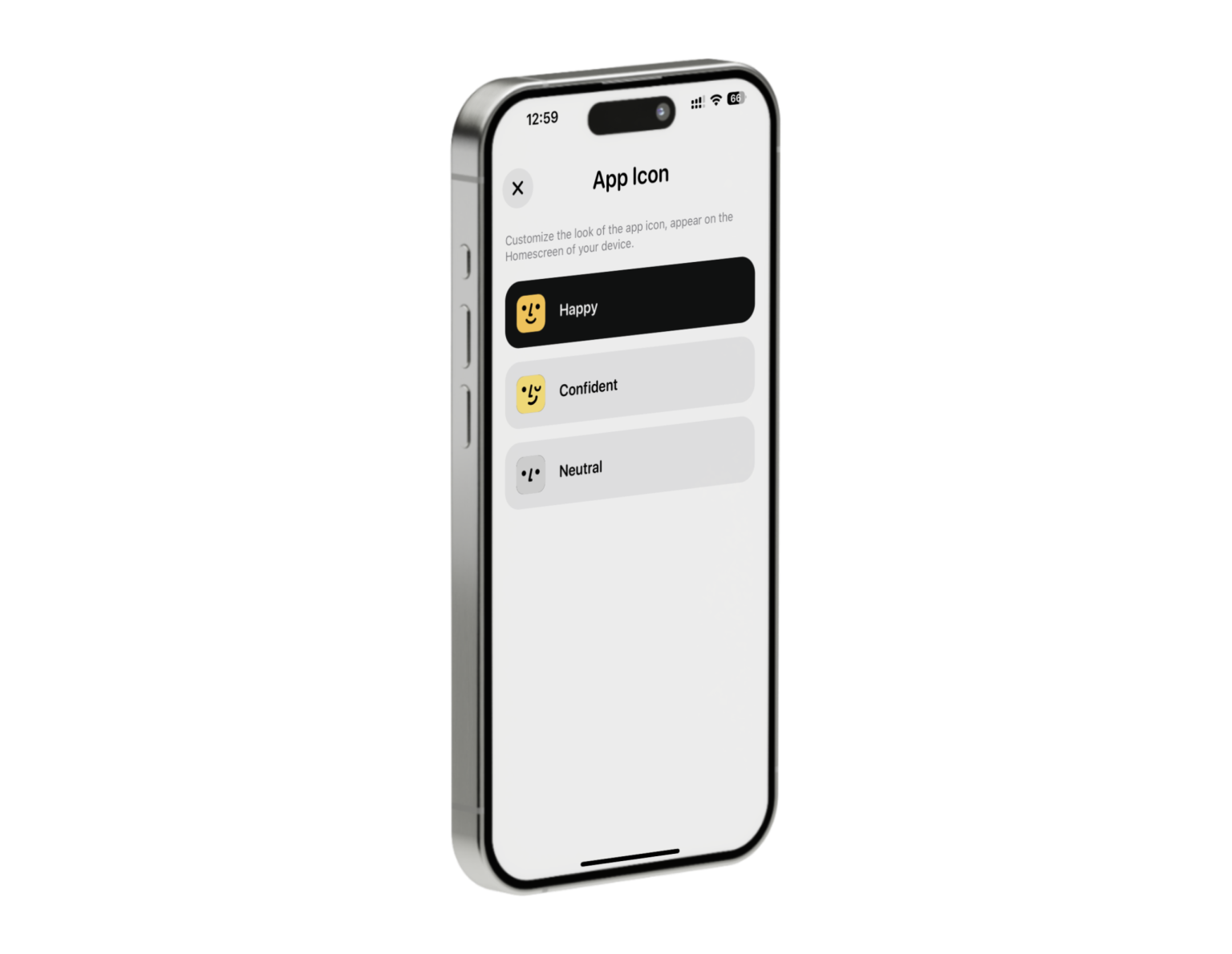
• Supporting multiple alternate app icons
• Storing images locally and creating unique URLs in Core Data for efficient retrieval
• Beta testing with multiple users on TestFlight, gathering feedback, and performing bug fixes across different builds
• Resizing images to minimize storage space on user devices
• Working with Core Data to perform CRUD operations
• Developing and managing the full life cycle of the iOS application from initial concept and development, beta testing on TestFlight, to successful deployment on the App Store
• Using GitHub for version control to manage code versions effectively, ensuring a reliable and organized development workflow
My Role
• Sole iOS Developer
Collaborators
• Gérarld Wirianata (Asset Designer)
• Kris Mikail Silitonga (Copywriter and contributor for the Quest feature in version 1.0)
Project Being
Platform: iOS
Being began as an idea for a space where users could privately share their life updates, similar to social media but more personal and local. As the project evolved, it gradually shifted towards a mature concept focused on journaling and well-being.
With its focus on mostly CRUD operations, this project was the perfect playground to explore the Core Data framework.
The app is built around the concept of mood, with each mood represented by a different color. Throughout the development process, Gérarld, our Asset Designer, and I went through multiple iterations of colors and app asset designs (mood emojis, onboarding artwork, and app icons). We aimed to strike a perfect balance of contrast and cohesion, ensuring that the app’s design was both visually appealing and functional.
In the second half of development, I invited my friend Mikail to join the project. Mikail conceptualized and designed the flow of a new feature called “Quest” and crafted its copywriting. I translated his vision into functional code, making “Quest” a valuable addition to the app. This feature, found in version 1.0, offers 100 positive life challenges to encourage personal growth for users.
This project holds a special place in my heart as it was my first venture into iOS development and what made me fall in love with programming in the first place. I will continue supporting and improving this app, enhancing its features and ensuring it remains a valuable tool for users.
Features
• Quickly share thoughts and feelings through journaling
• Embed a photo in the journal for a more visual experience
• Daily reminders with local push notifications to promote consistent journaling habits
• Categorize journals by mood
• App locking with biometrics and passcode
• Monthly journaling statistics
Technologies
• Swift, Core Data, SwiftUI, UIKit, Combine, User Notification, Local Authentication, MVVM design pattern
Tools
• Xcode, TestFlight, GitHub, Figma, Pixelmator, Photoshop
What I Learned
• Building custom and reusable UI components with SwiftUI
• Implementing local push notifications using the UserNotifications framework
• Collaborating with Gérarld Wirianata to create a cohesive look and color scheme throughout the app
• Snapshotting SwiftUI views with ImageRenderer for social media sharing features
• Using Combine to debounce and filter through an array of journals for the search feature
• Converting SVG files to SwiftUI paths for scalable and resolution-independent app assets
• Supporting multiple alternate app icons
• Storing images locally and creating unique URLs in Core Data for efficient retrieval
• Beta testing with multiple users on TestFlight, gathering feedback, and performing bug fixes across different builds
• Resizing images to minimize storage space on user devices
• Working with Core Data to perform CRUD operations
• Developing and managing the full life cycle of the iOS application from initial concept and development, beta testing on TestFlight, to successful deployment on the App Store
• Using GitHub for version control to manage code versions effectively, ensuring a reliable and organized development workflow
My Role
• Sole iOS Developer
Collaborators
• Gérarld Wirianata (Asset Designer)
• Kris Mikail Silitonga (Copywriter and contributor for the Quest feature in version 1.0)


